

At a glance
Short Answer: For freelancers and small teams without dedicated DevOps capacity, n8n Cloud is the lower-risk path, offering fully managed hosting in Germany starting at 20€ per month (billed annually) with zero server upkeep. Self-hosting via the free Community Edition eliminates software licensing fees and execution caps while unlocking custom nodes and bash scripts, but it shifts all database pruning, security patching, backup configurations, and infrastructure monitoring onto your team. If advanced team collaboration like Git version control or SSO is required on-premises, commercial self-hosting jumps sharply to 667€ per month on the Business plan.
In this guide
Understanding the Core Architecture: Cloud vs Self-Hosted
n8n approaches workflow automation differently from many legacy platforms. Instead of billing per task or operational step, n8n measures usage by full workflow executions. An execution represents a complete run from trigger to finish, regardless of whether a workflow has three steps or several hundred steps. However, how those executions are managed, processed, and maintained diverges significantly between n8n Cloud and a self-hosted installation.
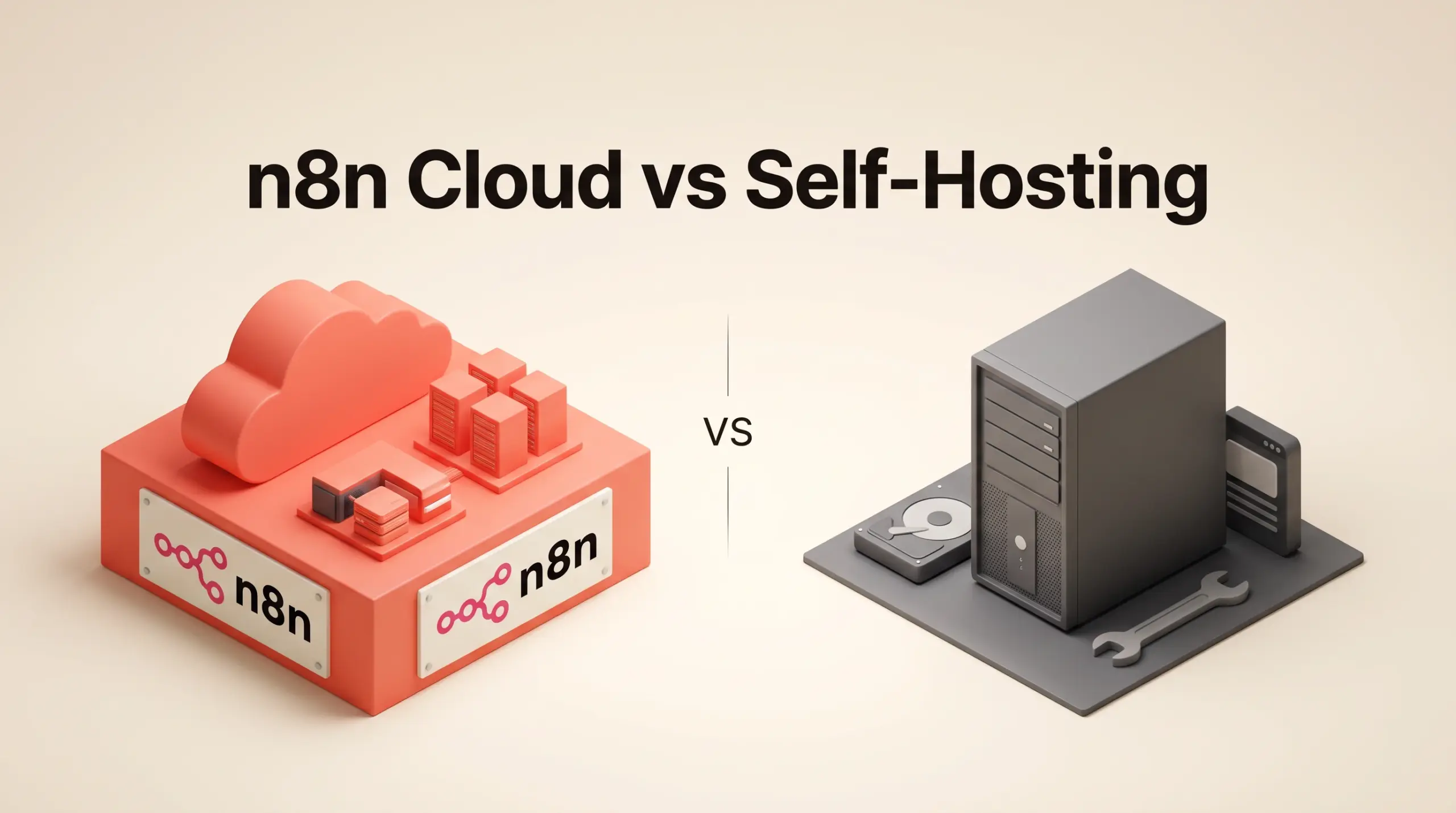
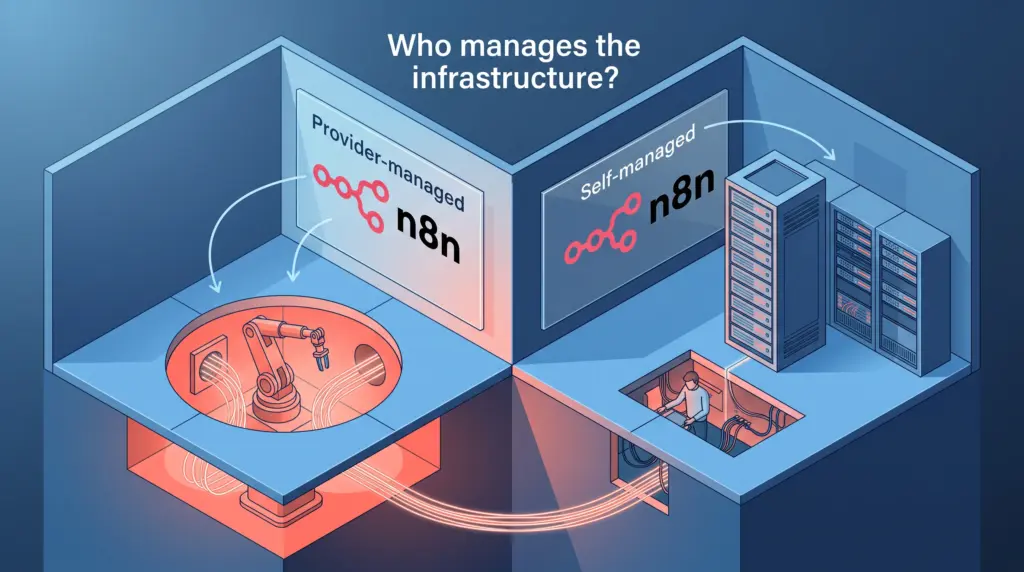
With n8n Cloud, the software runs on managed cloud infrastructure located within the European Union (Frankfurt, Germany). Users gain immediate access to an operational canvas without configuring servers, reverse proxies, or external databases. In contrast, self-hosting allows you to deploy n8n on your own local server, virtual private server (VPS), or cloud container environment using the Community Edition or a licensed commercial tier. While this offers absolute control over where execution data resides, it turns infrastructure management into an ongoing operational duty.
The Direct and Hidden Costs
Evaluating the financial impact requires separating software licensing from underlying computing, API usage, and administrative time.
1. Software Subscriptions and Licensing
n8n Cloud provides tiered subscription plans with predefined execution allowances:
- Starter: Priced at 20€ per month, billed annually (saving 17% compared to monthly commitments). It includes 2,500 workflow executions per month, 1 shared project, 5 concurrent executions, unlimited team users, and 2,300 monthly AI Assistant credits.
- Pro: Priced at 50€ per month, billed annually. It expands capacity to 10,000 workflow executions, 3 shared projects, 20 concurrent executions, admin roles, global variables, and up to 13,700 AI credits per month.
- Enterprise: A custom plan with sales-assisted procurement providing custom executions, 200+ concurrent runs, dedicated support with an SLA, and extended log retention.
For self-hosters, n8n distributes a standard Community Edition on GitHub at no licensing cost. However, if a growing team needs enterprise-level collaboration tools on their self-hosted server, the software cost rises substantially:
- Business (Self-Hosted): Priced at 667€ per month, billed annually for 40,000 workflow executions. Qualifying startups with under 20 employees can apply for a Start-up Plan offering a 50% discount. The Business tier includes 6 shared projects, Single Sign-On (SSO via SAML/LDAP), Git version control, environment management, and queue scaling options. Overage on Business plans is billed at 4,000€ per extra bucket of 300,000 executions.
2. Infrastructure and Maintenance Expenses
The free Community Edition eliminates software subscription invoices, but it introduces variable infrastructure costs. You must provision and pay for a VPS, cloud compute instances, block storage, and automated backup storage. Moreover, high-volume automation instances generate substantial execution logs that require database tuning and scheduled disk pruning.
3. AI Assistant Expenses: Credits vs BYOK
n8n includes an AI Assistant in preview across its plans. On n8n Cloud Starter and Pro tiers, the tool consumes an included monthly allowance of credits (2,300 on Starter; up to 13,700 on Pro), which refresh monthly and do not roll over. On self-hosted instances, the AI Assistant operates under a Bring Your Own Key (BYOK) model. While you are not bound by n8n credit quotas on self-hosted instances, you must pay the underlying model provider directly for all API consumption.
Operational Responsibilities: What You Manage
Choosing between the hosted service and running your own instance is primarily an operational decision. The surface area of responsibility differs substantially across deployment models.
Responsibilities on n8n Cloud
- Data Protection & Hosting: Handled by n8n. Workflows and credentials are saved within EU data centers in Frankfurt.
- Software Updates: The core platform, internal node libraries, and user interfaces are patched and updated automatically without downtime planning.
- Queue and Execution Stability: Resource contention is governed by plan limits (such as 5 concurrent executions on Starter and 20 on Pro), keeping the underlying services stable without manual process management.
- Storage Pruning: Execution storage is automatically capped (2.5 GB on Starter, 25 GB on Pro) with retention windows (7 days on Starter, 30 days on Pro). Old logs are cleared automatically once limits are reached.
Responsibilities When Self-Hosting
- Server Provisioning and Hardening: You are responsible for configuring Docker, Node.js, operating system firewalls, reverse proxies, and SSL/TLS certificates.
- Database Maintenance: n8n saves execution history to an internal database (such as SQLite or PostgreSQL). Without automated retention scripts and vacuuming, unmonitored databases can exhaust server disk space and halt production workflows.
- Telemetry and Licensing Checks: If you upgrade to a self-hosted Business or Enterprise plan, your instance must ping n8n’s licensing server daily to report production execution counts. Default telemetry is collected, though it can be disabled in settings.
- High Availability & Scaling: Handling enterprise-scale concurrency requires configuring Queue mode with multiple worker instances and Redis, a feature natively built into the platform architecture but requiring manual orchestration by the user.
Feature and Capability Trade-Offs
While the visual workflow editor is consistent across both platforms, certain developer features diverge depending on where the application is hosted.
Self-hosting grants unrestricted developer control over the local execution environment. Specifically, the ability to run custom bash scripts and install custom community nodes is documented as available in self-hosted instances. This makes self-hosting necessary if your automations rely on executing proprietary internal binaries or system-level command-line utilities directly on the worker node.
Conversely, n8n Cloud introduces sandboxed operational guardrails. Execution storage is constrained (2,500 saved executions on Starter, 25,000 on Pro). Workflow history tracking is restricted to 1 day on Starter and 5 days on Pro, while the cloud free trial enforces a 180-second execution timeout. If your workflows perform long-running computational batch operations exceeding cloud timeouts, an unconstrained self-hosted environment avoids those platform limits.
Comparison: n8n Cloud vs Self-Hosted Tiers
| Feature / Parameter | n8n Cloud (Starter / Pro) | Self-Hosted (Community Edition) | Self-Hosted (Business Plan) |
|---|---|---|---|
| Software License Cost | 20€ to 50€ / month (annual billing) | Free (Source-available on GitHub) | 667€ / month (annual billing) |
| Included Executions | 2,500 (Starter) / 10,000 (Pro) | Unlimited by license (limited by hardware) | 40,000 / month |
| Infrastructure Setup | Zero setup; hosted in Frankfurt (EU) | Self-managed (VPS, Docker, Cloud) | Self-managed (VPS, Docker, Cloud) |
| Updates & Maintenance | Managed automatically by n8n | Manual updates and database pruning | Manual server admin; key validation via daily ping |
| Custom Nodes & Bash Scripts | Restricted / unavailable | Available | Available |
| AI Assistant Access | 2,300 to 13,700 monthly credits | Preview via Bring-Your-Own-Key (BYOK) | Preview via Bring-Your-Own-Key (BYOK) |
| User Collaboration | 1 to 3 shared projects; basic admin roles | Core workflow sharing | 6 shared projects, SSO (SAML/LDAP), Git control |
| Support Model | Community forum | Community forum | Community forum |
Platform Limitations to Consider
Neither deployment method removes all operational constraints, and teams must weigh specific platform boundaries before committing:
- Support Tiers: Direct technical assistance is constrained across most self-serve tiers. Forum support is the standard channel for Cloud Starter, Cloud Pro, the Community Edition, and the self-hosted Business plan. Dedicated support backed by guaranteed SLAs is reserved exclusively for the Enterprise tier.
- Cloud Concurrency Bottlenecks: Small teams dealing with spiky webhook traffic may run into concurrency caps on entry cloud plans. The Starter tier allows only 5 concurrent executions, while Pro allows 20. When those thresholds are met, incoming jobs must wait or throttle.
- Commercial Licensing Jump: There is no low-cost intermediate tier between the free Community Edition and the Business plan for self-hosters needing administrative tools. Teams requiring Git version control, multi-environment setups, or SAML-based SSO on self-hosted instances must pay 667€ per month on an annual commitment.
- Overage Penalties: Self-hosted Business subscribers must monitor usage closely. If execution volumes exceed quotas, overages are billed in fixed blocks of 4,000€ per 300,000 executions after 45 days if no tier upgrade is arranged.
Who Each Deployment Option Suits Best
n8n Cloud is Best For:
- Solo Freelancers and Lean Teams: Small consultancies that need reliable automations running immediately without allocating weekly hours to Linux updates, Docker containers, or database management.
- Strict EU Data Residency Requirements: Organizations that prefer having their automation server and data storage located within the European Union (Frankfurt, Germany) under a managed provider framework.
- Standard API Integrations: Teams integrating standard cloud applications through HTTP requests, webhooks, and pre-built integration nodes who do not require local command-line script execution.
Self-Hosted Community Edition is Best For:
- Technical Solo Builders: Developers comfortable deploying containers, managing reverse proxies, securing databases, and executing manual upgrades.
- High-Frequency, Low-Budget Workflows: Use cases that execute tens of thousands of automated webhook calls monthly, where subscribing to higher commercial cloud execution tiers would be cost-prohibitive.
- Custom Binary Requirements: Workflows that depend on executing local bash scripts or proprietary custom nodes inside the automation environment.
Self-Hosted Business / Enterprise is Best For:
- Regulated Mid-Sized Businesses: Organizations that must keep workflows behind a corporate firewall while requiring formal governance features like LDAP/SAML Single Sign-On and Git-based version control.
- Scaling Engineering Teams: Teams deploying multi-instance Queue architectures across development, staging, and production environments who qualify for startup pricing or require custom enterprise SLA guarantees.
Next Steps
If you prefer an unmanaged approach, review the Community Edition documentation on GitHub to verify your server requirements, container configurations, and database backup scripts. If you prefer a managed environment, start with the n8n Cloud free trial. The trial provides 14 days of access with Pro-level capabilities, 1,000 workflow executions, 5 concurrent runs, and 800 AI Assistant credits without requiring a credit card, allowing you to validate your workflow logic before selecting a long-term deployment path.
Sources and further reading
Research checked 2026-09-21. Product details can change.