

At a glance
Pipedrive organizes its software around focused sales pipeline management, structured feature tiers (Lite, Growth, Premium, and Ultimate), and modular add-ons. HubSpot provides an all-in-one platform ranging from a 2-seat free tier to Sales Hub Starter ($7 to $20 per seat per month) and higher tiers that incorporate native AI credits but mandate significant onboarding setup fees.
In this guide
Core Differences: Focused Sales Tracking vs Platform Breadth
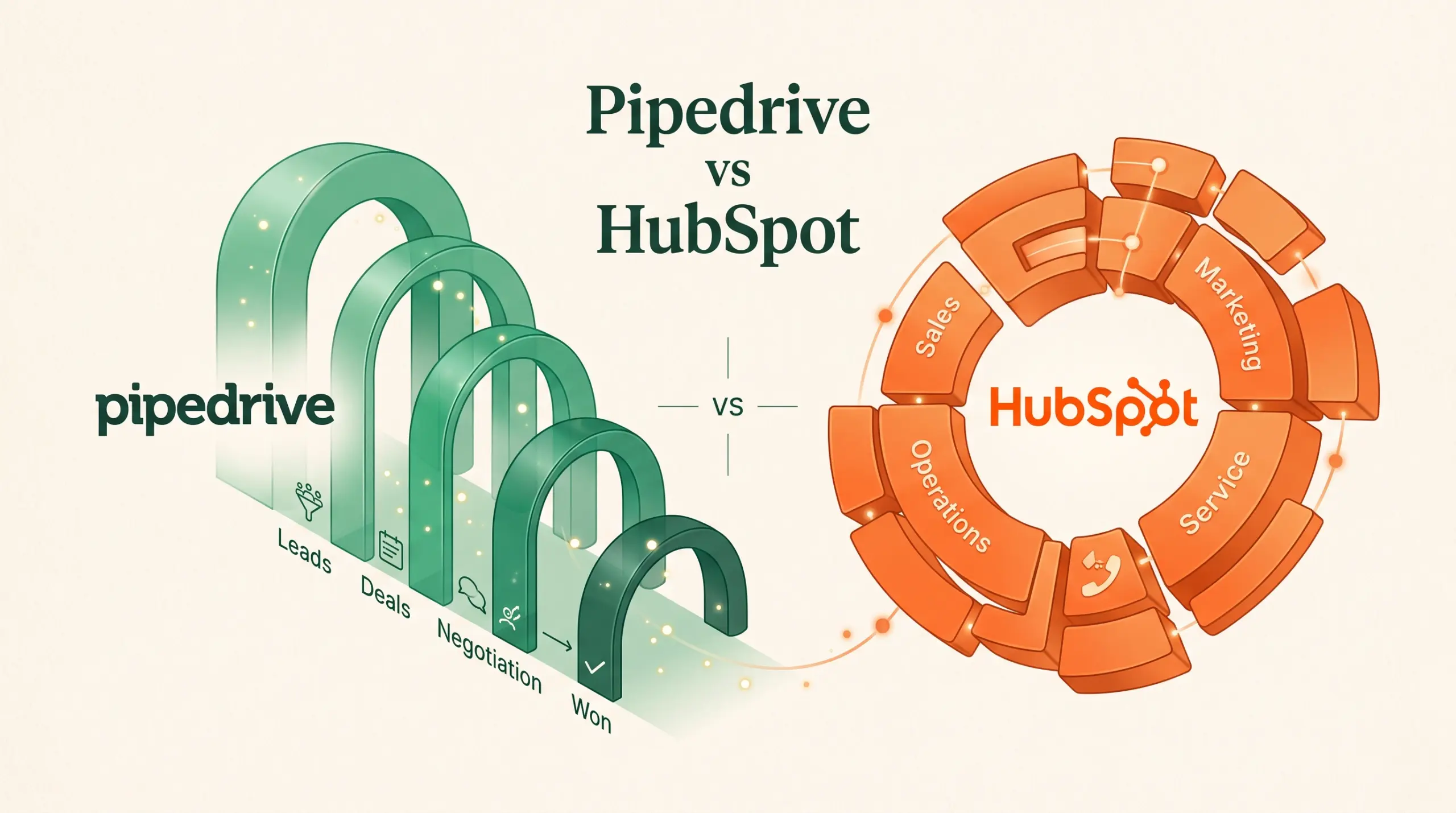
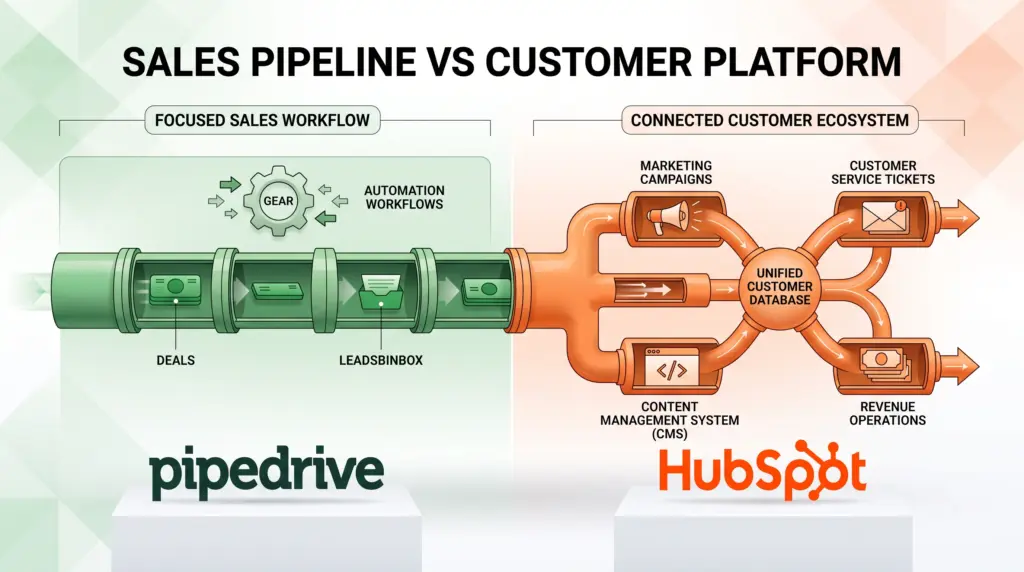
When freelancers and small teams evaluate sales software, the functional boundary between tools matters as much as the headline cost. Pipedrive concentrates heavily on managing deals, pipeline progression, and sales activities. HubSpot positions Sales Hub as one module within a broader customer ecosystem that spans marketing, customer service, content management, data, and revenue operations.
According to Pipedrive’s plan documentation, the platform structures sales work into customizable pipelines, deal rotting indicators, deal card customization, and leads inboxes across all of its tiers. Teams seeking to coordinate outreach directly from the CRM can unlock two-way email sync, templates, open and click tracking, automated workflows, and meeting scheduling starting on Pipedrive’s Growth tier.
By contrast, HubSpot’s Sales Hub pricing integrates sales processes with cross-departmental capabilities. Even on free and entry-level paid editions, users receive access to unified customer data, integrated calling, task queues, and automated agents. Rather than treating sales purely as an isolated pipeline, HubSpot encourages smaller teams to handle early-stage prospecting, content delivery, and post-sale customer operations inside a single database.
Plan Structures and Seat-Based Pricing
Budget predictability often dictates software adoption for growing operations. The two platforms use distinct packaging, seat accounting, and onboarding policies.
Pipedrive Billing Mechanics
As detailed in Pipedrive’s billing guide, subscriptions are offered on four core tiers: Lite, Growth, Premium, and Ultimate. Key pricing mechanics include:
- Billing cycles: Accounts can be billed monthly or annually upfront, with annual commitments receiving a billing discount. Specific seat base prices vary by tier and location and must be confirmed on Pipedrive’s live pricing page.
- Seat enforcement: Charges apply per purchased seat, regardless of whether a seat is currently assigned to an active user.
- Usage top-ups: If a team hits functional caps without wishing to upgrade its overall tier, Pipedrive sells add-on top-up packs. Growth users can buy additional bundles of 25,000 leads and deals, 50 automations, 50 reports, or 250,000 API tokens. Premium users can purchase top-ups for prospector credits, data enrichment credits, and team management bundles (which group teams, custom visibility groups, and custom permission sets).
HubSpot Sales Hub Pricing
According to HubSpot’s published sales rates, Sales Hub pricing is transparently divided across several distinct tiers in USD:
- Free: $0 per month for up to 2 users, including essential sales tools, free marketing features, customer service tools, and data management without requiring a payment card.
- Starter: Starts at $7 per seat per month when paid annually, or $20 per seat per month on a month-to-month commitment. This plan includes 500 HubSpot Credits, task queues, calling, a prospecting agent, notetaker tools, and intent signals.
- Professional: Starts at $90 per seat per month when billed annually (or $100 per seat per month paid monthly with an annual commitment). It includes 3,000 HubSpot Credits, forecasting, sequences, deal progression tools, conversation intelligence, and deal plans. However, it requires a mandatory, one-time Professional Onboarding fee of $1,500.
- Enterprise: Starts at $150 per seat per month, including 5,000 HubSpot Credits, deal splits, journey analytics, pipeline approvals, and sandbox accounts, alongside a mandatory one-time Enterprise Onboarding fee of $3,500.
- Credit consumption: Additional HubSpot Credits can be purchased at $9.00 per 1,000 credits on annual billing. Usage rates include 10 credits per smart properties run on the Data Agent, 50 credits per resolved conversation on the Customer Agent, and 100 credits per recommended outreach on the Prospecting Agent.
Feature Comparison
The table below summarizes the core operational features and structural terms available from both providers based on their official specifications.
| Capability | Pipedrive | HubSpot Sales Hub |
|---|---|---|
| Free Tier | None documented in plan guides (check provider for trials) | Free for up to 2 users at $0 per month |
| Entry Paid Pricing | Lite plan (per-seat pricing; check provider pricing page) | Starter at $7/seat/mo (annual) or $20/seat/mo (monthly) |
| Email Tracking & Sync | Included on Growth, Premium, and Ultimate plans | Included across paid plans; sequences on Professional+ |
| Pipeline Management | Customizable pipelines & deal rotting across all tiers | Deal tracking included; deal progression tools on Professional+ |
| Workflow Automation | Included from Growth tier up; top-ups sold in units of 50 | Included; sequences available on Professional ($90/seat/mo) |
| AI Features & Agents | AI report creation (all plans); AI email tools (Premium+) | Agent Hub, prospecting agent, notetaker (Starter+); consumes credits |
| Mandatory Onboarding Fees | None documented; live chat and phone support tier-dependent | $1,500 on Professional; $3,500 on Enterprise |
| Lead Generation Tools | LeadBooster add-on (included on Premium & Ultimate) | Prospecting agent on Starter; web forms and credits apply |
Add-Ons and Expansion Paths
Both platforms permit small businesses to expand functionality without necessarily migrating to entirely new software, but they approach expansion differently.
Pipedrive’s feature breakdown reveals that tools such as Smart Docs (document syncing with Google Drive, OneDrive, or SharePoint), Projects (post-sales deal objective tracking), and LeadBooster (incorporating chatbots, live website chat, custom web forms, and outbound Prospector credits) are fully included on Premium and Ultimate tiers. However, subscribers on Lite and Growth must purchase them as paid add-ons. Web Visitors tracking and Campaigns (email marketing tools) remain separate paid add-ons across every Pipedrive tier.
HubSpot’s platform options rely on cross-hub packaging and usage credits. For instance, new Sales Hub customers can add Revenue Hub Professional for $57 per seat per month (discounted from $95) or Revenue Hub Enterprise for $98 per seat per month (discounted from $140) when paying annually. Furthermore, advanced AI capabilities draw down pooled HubSpot Credits, requiring organizations to balance per-seat fees against their anticipated monthly consumption for prospecting recommendations and automated resolutions.
Platform Limitations
Understanding the boundaries of each system helps prevent unexpected mid-contract expenses.
Pipedrive Limitations
- Base price clarity: Specific per-seat base rates for Lite, Growth, Premium, and Ultimate are not published inside the product feature documentation; teams must consult Pipedrive’s live pricing page.
- Feature tier gates: Teams on the Lite tier miss native email synchronization, email templates, open/click tracking, and meeting schedulers, which require upgrading to at least Growth.
- Add-on costs: Small teams on lower tiers needing website prospector tools, web forms, or document management must pay incremental add-on fees unless they upgrade to the higher-tier Premium plan.
- Seat billing: Organizations pay for every provisioned seat regardless of whether it is occupied by an active rep.
HubSpot Limitations
- High jump to Professional: Moving beyond Starter requires a jump to $90 or $100 per seat per month, plus an upfront $1,500 onboarding charge.
- Free plan cap: The free tier is strictly capped at 2 users, requiring immediate migration to paid seats once a team expands beyond a pair of collaborators.
- Credit burn rates: Automated tasks like prospecting suggestions (100 credits per lead) and smart property runs consume monthly credit allowances, which can trigger additional usage bills ($9 per 1,000 credits).
Which Option Suits Your Team?
Pipedrive is best suited for:
- Small sales teams and dealmakers who want a dedicated visual pipeline without paying for full-suite marketing or service desks.
- Teams that prioritize activity tracking, deal rotting visualizers, and customized sales pipelines on every tier.
- Businesses that prefer a modular upgrade path, buying specific top-ups for automations, API calls, or leads rather than jumping to enterprise pricing tiers.
HubSpot is best suited for:
- Solo freelancers or two-person partnerships who can operate entirely within the 2-user free CRM tier.
- Budget-conscious small businesses wanting low per-seat starting costs ($7 per seat per month billed annually on Starter) with built-in task queues, calling, and AI agents.
- Companies planning to unite sales, marketing, customer support, and billing operations on a unified CRM database.
Next Steps
To determine the most economical option for your business, map out your user roster and required integrations:
- Audit your headcount to see if your team fits within HubSpot’s 2-user free tier, or calculate the exact annual commitment required for Starter seats at HubSpot’s Sales Hub pricing portal.
- Review the specific functional needs of your sales reps against Pipedrive’s feature matrix to identify whether Lite, Growth, or Premium covers your automation and email sync requirements.
- Verify current base subscription prices and currency terms on Pipedrive’s pricing page, accounting for any required add-ons such as LeadBooster or Projects.
- If considering HubSpot Professional or Enterprise, factor the compulsory $1,500 or $3,500 onboarding implementation fee into your first-year budget.
Sources and further reading
Research checked 2026-09-21. Product details can change.