

At a glance
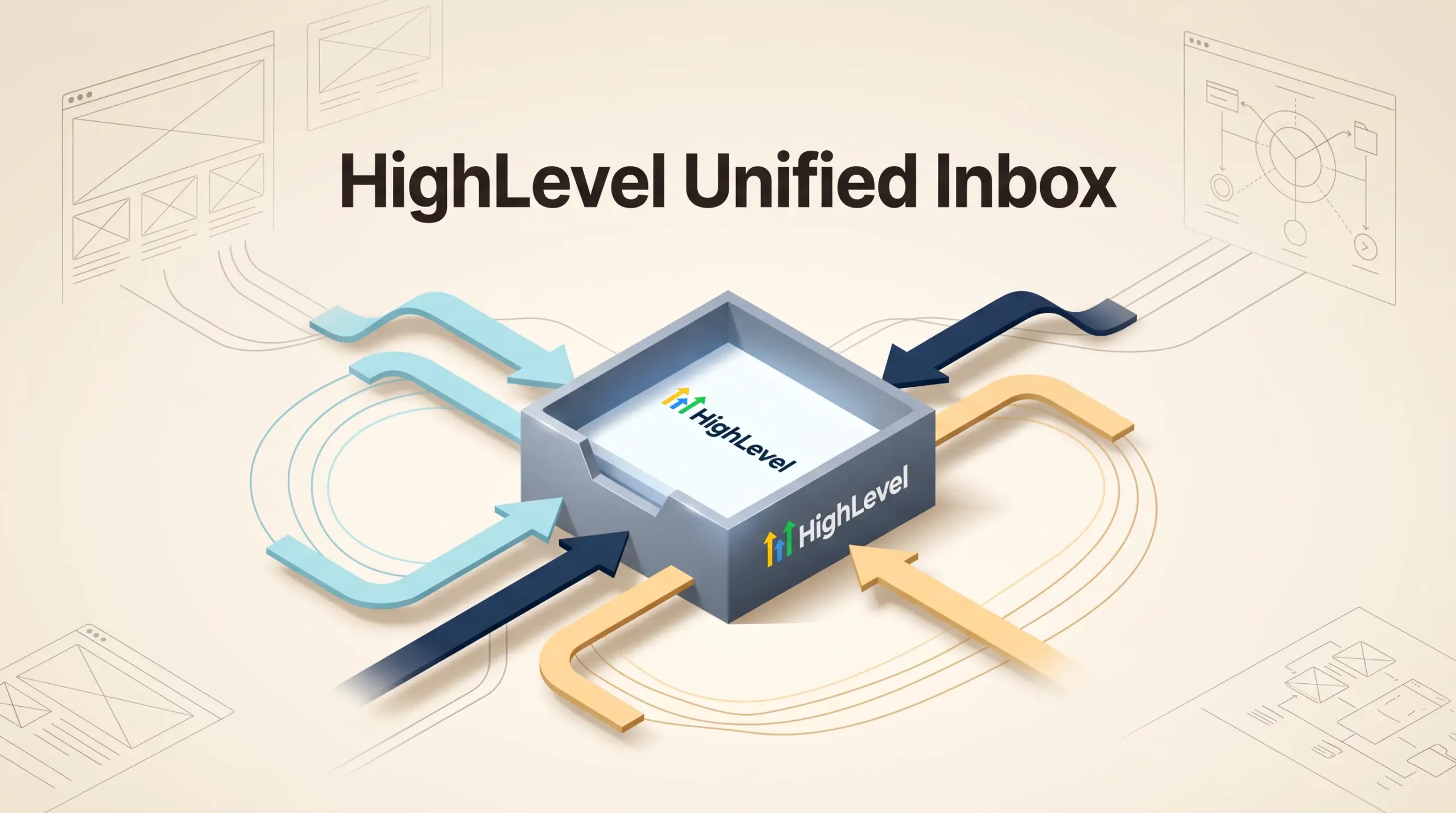
HighLevel’s unified conversation inbox suits service businesses, agencies, and small sales teams that manage inbound inquiries across multiple channels simultaneously. Consolidating email, SMS, call records, and social messaging into one contact thread eliminates context switching. However, small teams must account for metered usage fees on telecommunications and outbound email alongside standard monthly software subscriptions.
In this guide
Connect an inbox and organize the first conversation
HighLevel’s inbox setup guide documents this route for Gmail or Outlook:
- Open Settings, then My Profile and Email (2-way sync).
- Choose the provider, connect the intended account and review its permission prompt.
- Go to Conversations, create a new direct message and choose a contact.
- Check the sending address before sending a message.
This connects a personal email inbox; it does not by itself provision a phone number or configure SMS.
In the documented Conversations layout, My Inbox groups assigned or followed threads, while Team Inbox requires full data access. Internal Chat is separate from customer messages. For a handoff, assign the thread to a named owner and use an internal comment rather than placing a colleague-only note in a customer reply.
Channel Consolidation: How HighLevel Merges Omnichannel Conversations
Small teams and independent consultants often struggle with disjointed customer interactions spread across separate email clients, phone systems, and social accounts. HighLevel addresses this friction through its Unified Conversations interface, which organizes incoming and outgoing customer messages into a single, chronological timeline per contact record.
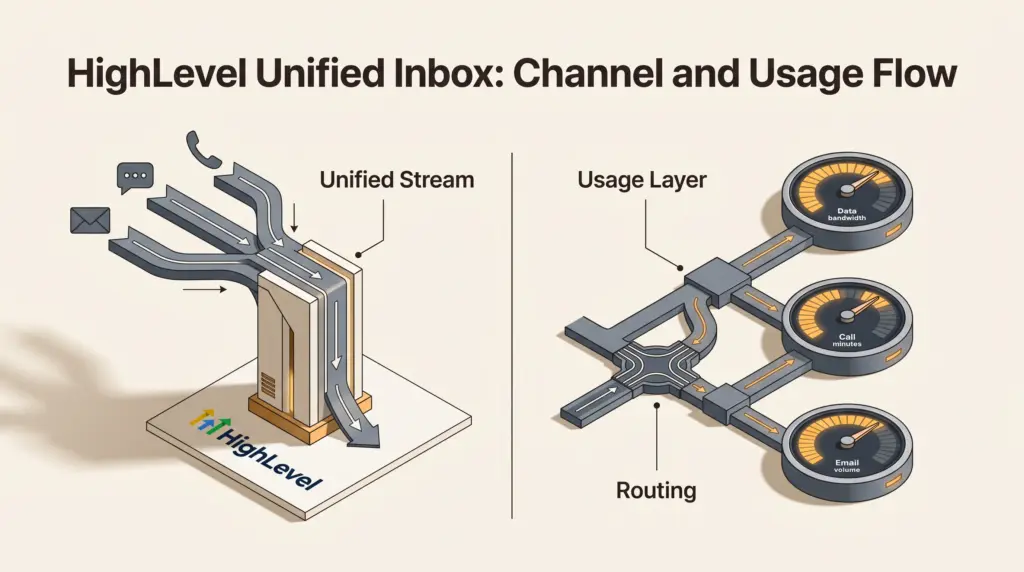
When a lead responds to a marketing email, texts an inbound promotional number, or calls your office, every touchpoint registers under the same conversation view. The interface aggregates several distinct channels:
- Two-Way SMS: Text messaging directly from local or toll-free business numbers, supporting automated replies and manual agent conversations.
- Two-Way Email: Outbound campaigns and direct replies handled within the contact timeline, maintaining message threading without checking separate webmail portals.
- Inbound and Outbound Calling: Browser-based calling and mobile app dialers with integrated call tracking, recording options, and automated missed-call text-back triggers.
- Social and Web Messaging: Native connections to Facebook Messenger and Instagram Direct Messages, alongside web chat widgets and available third-party channel integrations like WhatsApp.
By bringing these touchpoints together, team members see whether a client already received a phone follow-up or an automated booking confirmation before drafting an email response. To connect calendar bookings directly to these conversation records, teams frequently pair this stream with HighLevel booking calendars.
Telephony and Messaging Infrastructure: Base Pricing and Usage Fees
While HighLevel provides the interface for unified messaging across all tiers, buyers must understand the financial separation between the base software subscription and metered communications infrastructure. HighLevel bills core software access at fixed rates, while telecommunications and email delivery incur usage-based expenses according to provider pass-through costs.
Platform tier pricing on HighLevel Pricing is structured across three core plans:
- Starter Plan: Costs $97 per month (or $970 annually when paid upfront). This tier includes up to 3 sub-accounts, unlimited team members, and unlimited contacts, making it appropriate for a solo operator or a business managing up to three distinct brand profiles.
- Unlimited Plan: Costs $297 per month (or $2,970 annually). It removes sub-account limits, introduces agent-level reporting, and allows agencies to rebill phone and email usage directly to clients at baseline cost without markup.
- Agency Pro Plan: Costs $497 per month (or $4,970 annually). Designed for automated customer provisioning (SaaS Mode), this plan adds advanced API access and the ability to rebill phone and email services to sub-accounts with custom profit markups.
Beyond subscription fees, your team pays per unit for SMS segments, inbound and outbound calling minutes, phone number rentals, and outbound email processing. Adding WhatsApp connectivity requires an additional add-on fee of $10 per month per sub-account, in addition to standard Meta message utility charges. Dedicated IP addresses for high-volume email operations cost $59 per month per IP. Agencies exploring how to pass these communication fees along to sub-accounts should review our detailed guide on HighLevel phone and email re-billing.
Team Collaboration and Sub-Account Inbox Boundaries
Managing high-volume communications across team members requires clear boundaries to prevent overlapping replies or missed leads. HighLevel structures its workspace into sub-accounts (also known as sub-locations), which keeps contacts, phone numbers, and messaging threads isolated between different business units or agency clients.
For operators evaluating multi-brand sub-account management in HighLevel, this isolation ensures an email intended for one brand cannot cross into another account’s contact record. Within an individual sub-account, teams manage conversation flow through dedicated administrative tools:
- User Assignment: Unassigned conversations can be routed to specific team members manually or triggered through automated workflows when leads hit specific pipeline stages.
- Internal Notes and Mentions: Team members can attach internal notes directly inside a client’s conversation timeline to summarize call discussions or specify follow-up instructions without notifying the client.
- Cross-Device Synchronization: Agents can answer incoming phone calls, respond to SMS messages, and monitor customer emails either through the desktop web application or via the HighLevel mobile application.
- Read and Closed Filters: Inboxes can be toggled between “Unassigned,” “Assigned,” and “All,” enabling agents to mark resolved customer tickets as closed to keep the active queue clean.
Comparing HighLevel Plans for Omnichannel Communication
Selecting the right tier depends primarily on how many business entities you manage and whether you need to resell communications or track granular staff metrics. For an in-depth breakdown of these two lower tiers, consult our evaluation of HighLevel Starter vs. Unlimited for small teams.
| Feature / Capability | Starter ($97/mo) | Unlimited ($297/mo) | Agency Pro ($497/mo) |
|---|---|---|---|
| Sub-Account Limit | 3 Sub-Accounts | Unlimited | Unlimited |
| Contacts & Users | Unlimited | Unlimited | Unlimited |
| Unified Inbox Channels | Email, SMS, Calls, DMs | Email, SMS, Calls, DMs | Email, SMS, Calls, DMs |
| Telephony & Email Re-billing | Not Available | Rebill at zero markup | Rebill with custom markup |
| User & Agent Reporting | Basic Dashboard | Included | Included |
| WhatsApp Add-on | $10/mo per sub-account | $10/mo per sub-account | $10/mo per sub-account |
| API Access | Core Integrations | Basic API | Advanced API |
Platform Trade-offs and Communication Limitations
While unifying voice, text, and email provides significant operational efficiency, teams should consider several operational constraints before deploying HighLevel as their primary communications backbone:
- Telecommunications Compliance Requirements: Sending SMS messages through business numbers requires navigating regulatory registrations, such as A2P 10DLC registration in the United States. Approval processes require explicit opt-in verifications and brand vetting before carriers permit outbound delivery.
- Metered Cost Volatility: Because HighLevel separates the monthly software fee from telephony usage, heavy outbound calling or unmonitored broadcast SMS campaigns can cause monthly expenses to fluctuate unpredictably.
- Email Inbox Organization vs. Dedicated Webmail: The unified inbox arranges messages as a customer support CRM stream rather than a traditional hierarchical folder system (such as Outlook or Google Workspace). Teams accustomed to manual drag-and-drop folder sorting may find the CRM-centric conversation queue restrictive for general business correspondence.
- Channel Add-on Pricing: While core channels like SMS and email work natively, international channels like WhatsApp carry recurring platform add-on fees ($10/month per sub-account) alongside underlying utility rates, increasing costs for distributed international outreach.
Which Setup Fits Your Workflow?
Solo Freelancers and Single-Location Businesses
If you operate a single business or provide consulting to a few private accounts, the Starter Plan ($97/mo) provides all unified inbox features without paying for agency-scale architecture. With support for up to 3 sub-accounts and unlimited team seats, you can run your primary marketing operation, direct customer SMS responses, and track incoming telephone leads without artificial seat caps.
Boutique Agencies and Multi-Brand Operations
Teams managing client communications across four or more distinct entities should adopt the Unlimited Plan ($297/mo). In addition to eliminating sub-account limits, this tier provides agent performance reporting, allowing managers to evaluate individual staff response times and message volume across customer threads. It also allows agencies to pass telecommunications fees directly through to clients without maintaining external billing spreadsheets.
Software Resellers and Lead Generation Networks
If your business model involves provisioning turnkey CRM accounts to clients on a recurring subscription, the Agency Pro Plan ($497/mo) is mandatory. This plan allows you to enforce usage limits, apply customized profit markups to outbound SMS and calling charges, and automate onboarding via SaaS Mode.
Next Steps for Inbox Implementation
- Audit Inbound Communication Volumes: Calculate your average monthly volume of inbound phone calls, text messages, and marketing emails to estimate your variable usage billing before launch.
- Verify Phone Carrier Regulations: If deploying SMS in regions subject to telecommunications regulations (such as US A2P 10DLC registration), compile your privacy policy, opt-in disclosures, and business tax documentation in advance.
- Plan a focused trial: Use Tool Outlook’s 30-day HighLevel trial to evaluate one email conversation and one supported channel before migrating live operations. Confirm plan eligibility at signup. Subscription billing starts after the trial unless canceled; phone, SMS and other usage may cost extra.
- Establish Team Notification Rules: Configure automated workflow alerts to notify mobile app users when unassigned leads message your channels, preventing delayed responses to prospective buyers.
Sources and further reading
Research checked 2026-10-14. Product details can change.