

At a glance
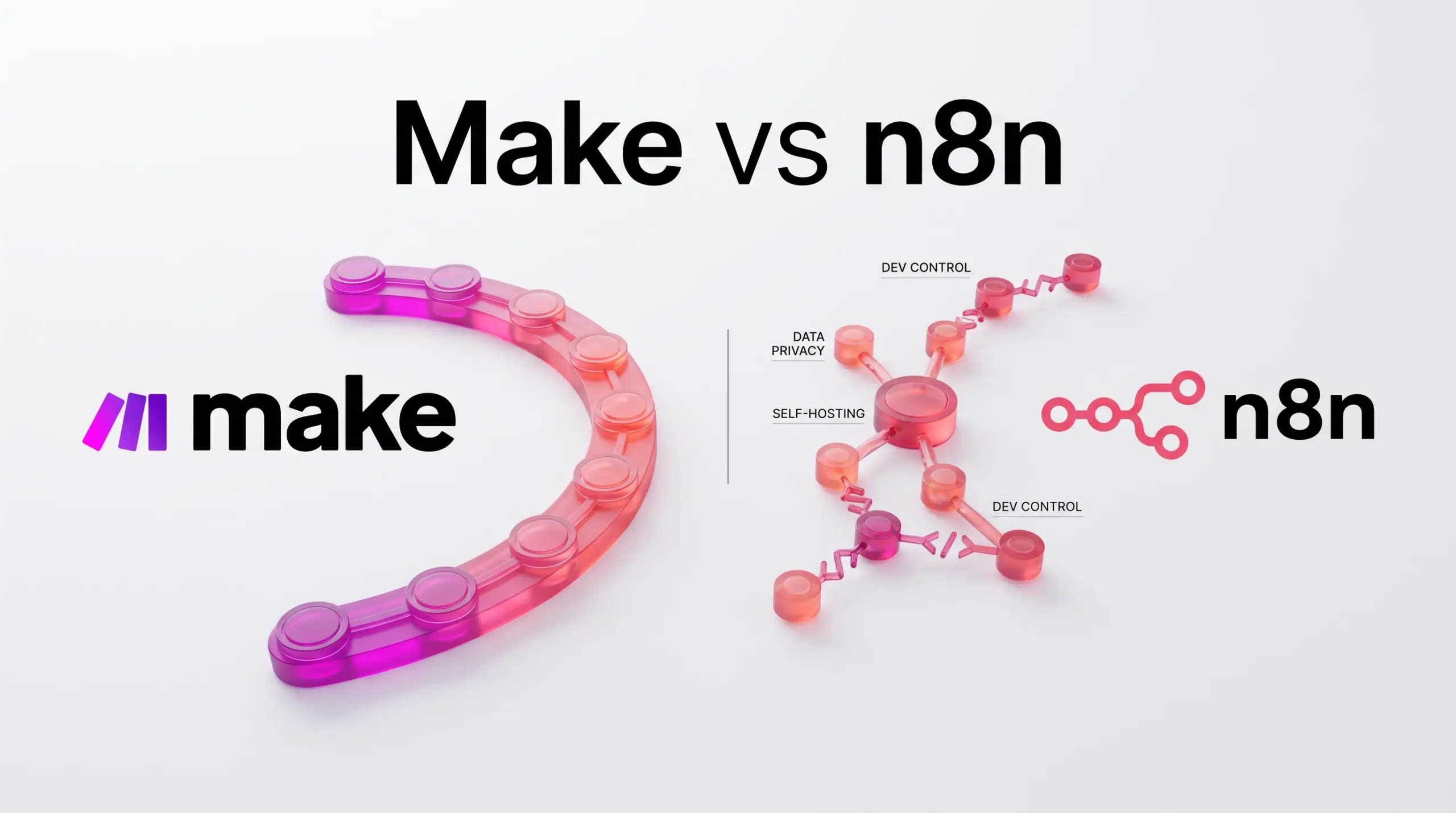
The Short Answer: Choose Make if you want an entirely cloud-managed automation platform with an extensive directory of 3,000+ app connectors, visual drag-and-drop orchestration, and minimal technical infrastructure management. Choose n8n if you require strict data privacy, prefer self-hosting, run long multi-step workflows that make per-step billing prohibitive, or need deep developer control through Git version control, custom nodes, and native JavaScript or Python execution.
In this guide
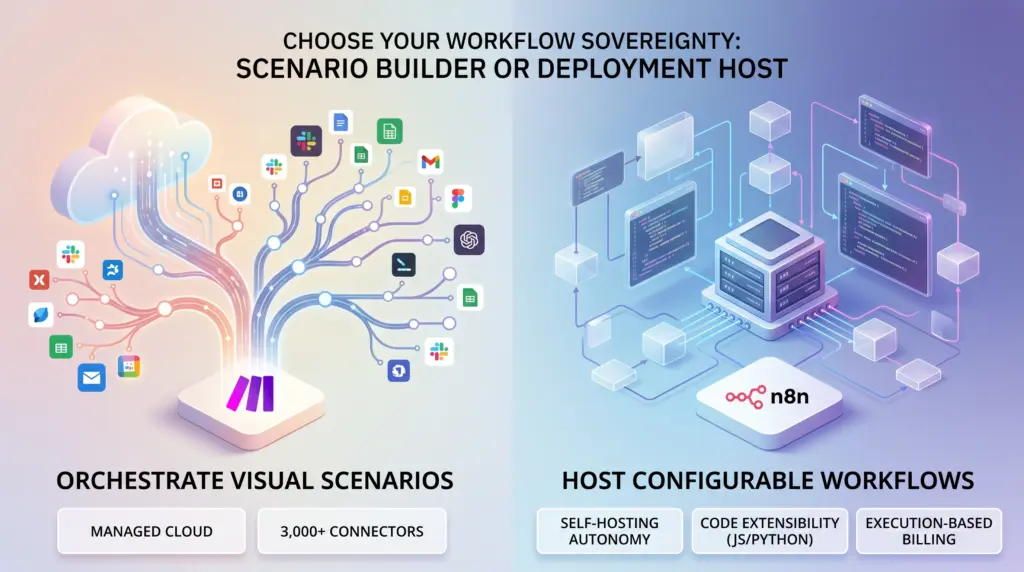
Core Architectural Differences: Managed Cloud vs. Hosting Autonomy
The architectural foundation of an automation engine dictates how data moves through your business, how secure your infrastructure remains, and what operational burdens fall on your internal team. Make’s cloud infrastructure is fully managed by Make and hosted across Amazon Web Services (AWS) data centers in Europe and North America. Users do not manage servers, security patches, or runtime updates. However, for organizations that must interact with local internal systems, Make provides an On-prem agent designed to bridge cloud workflows to local business networks and systems such as SAP.
In contrast, n8n emphasizes infrastructural sovereignty by offering dual delivery models: a turnkey cloud service and a self-hosted engine. The official n8n Cloud option maintains its infrastructure within the European Union, hosting user data specifically in Frankfurt, Germany. For teams requiring total governance, n8n publishes a Community Edition on GitHub that allows engineers to self-host the core software on their own servers, private clouds, or bare-metal instances. For organizations scaling self-hosted instances under commercial agreements, n8n’s Business and Enterprise tiers provide self-hosted licenses that unlock features like multi-environment setups, single sign-on (SSO), and Git version control, while checking in with a daily license validation server.
Billing Mechanics: Operation Credits vs. Full Executions
Budgeting for automation platforms hinges on how each vendor defines a unit of work. Make and n8n approach consumption measurement from fundamentally opposing directions.
Make: Granular Step-and-Credit Consumption
Make structures its pricing around workflow credits and data transfer thresholds. Every module executed inside a scenario consumes platform resources. Beyond base scenario steps, specialized logic carries distinct usage costs. For example, running custom Python or JavaScript using the Make Code App consumes 2 credits per single second of execution time. Data transfer is allocated proportionately, providing 5 GB of data transfers per 10,000 monthly credits on paid tiers (compared to 512 MB on the free tier). File sizes range from 5 MB on introductory tiers up to 1,000 MB on top-tier plans. Where the selected tier includes yearly credit flexibility, teams running data-dense or looping multi-step processes can burn through large credit volumes rapidly.
n8n: Single Execution Billing
n8n measures usage by full workflow executions rather than isolated steps. Whether a scenario performs two tasks or iterates through dozens of nested branch steps, the completed run registers as a single production execution. n8n Cloud tiers include:
- Starter Plan: Priced at 20€ per month (billed annually, representing a 17% saving versus monthly payments), providing 2.5K workflow executions, 5 concurrent runs, 1 shared project, unlimited team seats, and 2,300 AI credits per month.
- Pro Plan: Priced at 50€ per month (billed annually), providing 10K workflow executions, 20 concurrent executions, 3 shared projects, 7 days of execution history insights, execution content search, and up to 13,700 AI credits per month.
- Business Plan: Priced at 667€ per month (billed annually for organizations with fewer than 100 employees), delivered as a self-hosted deployment. It includes 40K workflow executions, 6 shared projects, 30 days of insights, Git-based version control, multiple environments (development, staging, production), and SSO via SAML/LDAP. Workflows do not stop upon hitting quota thresholds, but overage charges apply at 4,000 EUR for additional blocks of 300,000 executions. A dedicated Start-up Plan offers qualifying organizations with fewer than 20 employees a 50% discount on Business pricing.
- Community Edition: A self-hosted version available freely on GitHub for self-managed execution.
Because execution billing in n8n does not penalize you for the number of steps inside a workflow, complex data transformations and high-volume branching scenarios become significantly more predictable to forecast than per-operation pricing.
Flexibility, Developer Tooling, and Native AI
Both platforms cater to no-code builders, but their extensibility options differ significantly for technical operators.
Developer Control in n8n
n8n was engineered with developer workflows at its core. It natively accepts direct cURL imports, custom HTTP and GraphQL requests, trigger setups from internal webhooks or messaging queues, and direct command-line interface (CLI) administration. In self-hosted environments, developers can write and execute arbitrary bash scripts and build custom internal nodes to hook directly into proprietary backends. Advanced teams on the Business tier gain structural continuous delivery capabilities, including workflow branching, visual workflow diffs, and native Git synchronization across separate development, staging, and production environments.
Ecosystem and Extensibility in Make
Make prioritizes ecosystem breadth. Its catalog features more than 3,000 standard pre-built application connectors, allowing non-developers to link commercial SaaS tools without authoring custom API calls. For developers, Make allows custom app creation within the platform, Enterprise-only custom JavaScript functions, subscenarios to nest workflows, and granular public API endpoints (with rate limits ranging from 60 to 1,000 calls per minute depending on the plan). Dynamic connection parameters let scenarios switch connection credentials dynamically at runtime.
AI Integration Capabilities
Both tools incorporate artificial intelligence, offering native AI agents and custom Large Language Model (LLM) configuration:
- Make AI: Integrates over 350 AI applications, offers Maia (a natural conversation interface for building scenarios), built-in AI Web Search (in beta), AI Content Extractor for parsing files, Model Context Protocol (MCP) server support, and the Make AI Toolkit/Agents which allow users to build with Make’s native AI provider or supply their own API keys across all plans.
- n8n AI: Incorporates AI Assistant features (currently in preview) directly into cloud and self-hosted builders. Cloud tiers allocate monthly credit quotas (2,300 on Starter, up to 13,700 on Pro), while self-hosted instances use a bring-your-own-key (BYOK) model without synthetic credit constraints.
Feature Comparison Table
| Evaluation Metric | Make | n8n |
|---|---|---|
| Primary Hosting Model | Managed Cloud (AWS EU and North America) | EU Cloud (Frankfurt, Germany) or Self-Hosted |
| Consumption Unit | Per-module credit + data transfer limits | Per-workflow execution (unlimited steps per run) |
| Free Tier Availability | Cloud Free Plan (2 active scenarios, 15-min intervals) | Free Self-Hosted Community Edition (GitHub) |
| Starting Commercial Pricing | Tiered credit subscriptions (check provider for exact base price) | 20€/month billed annually (Starter, Cloud) |
| Pre-built App Ecosystem | 3,000+ standard SaaS application modules | Core integration nodes plus community nodes |
| Code Extensibility | JavaScript and Python via Make Code App (2 credits/sec) | Native JS/Python nodes, custom nodes, bash scripts (self-hosted) |
| Environments & Versioning | Templates, scenario properties, scenario inputs/outputs | Environments (dev/staging/prod), visual diffs, Git sync |
| Team Seat Model | Unlimited users included across plans | Unlimited users included across plans |
Platform Limitations to Consider
Neither tool solves every operational use case without trade-offs.
Make Limitations
- Execution Run-Time Ceilings: Scenario runs are capped at 5 minutes on the free tier and 40 minutes on paid plans. Long-running synchronous batch operations risk timing out.
- Compounding Operation Costs: Workflows that loop through arrays or paginate through large datasets execute hundreds of modules per cycle. This consumes operations quickly and can inflate monthly invoices unexpectedly.
- Data Jurisdiction Constraints: Because Make hosts its infrastructure on AWS in the EU and North America, teams requiring fully sovereign, on-premise execution must rely on its hybrid On-prem agent rather than hosting the primary execution engine locally.
n8n Limitations
- Self-Hosting Maintenance: Running the free Community Edition or self-hosted Business plan shifts all operational overhead—including queue scaling, database optimization, Redis configuration, backups, and security patches—onto your technical staff.
- High Entry Price for Advanced Governance: Enterprise-grade features such as SSO, environment staging, and Git synchronization require the Business plan, which starts at 667€ per month (billed annually). Small teams cannot access these specific governance features on low-cost tiers.
- Smaller Turnkey App Library: While n8n handles any custom REST or GraphQL API with ease, its out-of-the-box native node library is smaller than Make’s 3,000+ app registry, requiring more manual API configuration for niche software.
Which Option Suits Your Workflow?
Choose Make if:
- You want a visual builder with access to 3,000+ off-the-shelf connectors without needing to write custom API payloads or manage hosting infrastructure.
- Your automations consist primarily of discrete, trigger-based events that execute short sequences of steps.
- You require granular organizational spaces, as Make includes Private Spaces for all users alongside Make Grid oversight.
- You lack in-house DevOps resources to monitor server health, worker instances, and database updates.
Choose n8n if:
- You manage data processing pipelines that iterate over thousands of records, where paying per individual step or operation would be cost-prohibitive.
- You are bound by strict data protection regulations that require running automations on self-hosted internal servers or specific local clouds.
- Your automation team is comfortable writing JavaScript or Python, managing cURL calls, and versioning workflows through Git.
- You are a technical freelancer or lean agency capable of deploying the free Community Edition to eliminate ongoing recurring software license costs.
Next Steps
To determine the most viable platform for your pipeline, outline your three highest-volume business processes. Calculate the total monthly steps each process executes compared to its overall run count. If your scenarios require deep iteration or handling sensitive customer records that cannot leave your private infrastructure, spin up the n8n Community Edition or start an n8n Cloud 14-day trial. If your team relies on varied SaaS applications and prefers a managed visual builder without server maintenance, create a free account on Make to verify connector availability before committing to a paid usage tier.
Sources and further reading
Selected Make plan constraints corrected against the official pricing comparison on 29 October 2026. Other sections retain their earlier research date.
Research checked 2026-09-21. Product details can change.