

At a glance
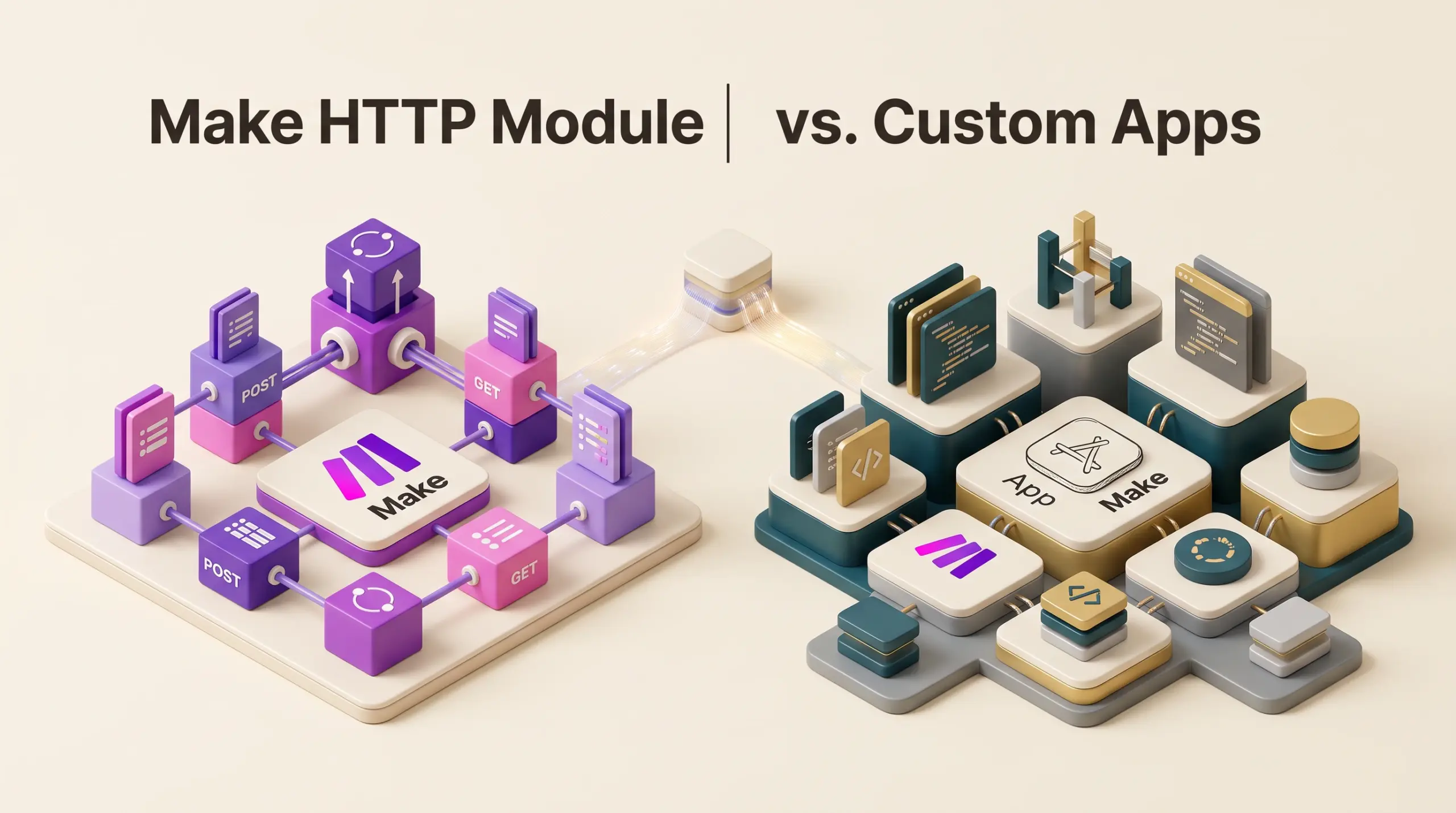
The HTTP module suits freelancers and small teams needing quick, one-off REST API calls or prototype webhooks without maintenance overhead. In contrast, Make Custom Apps suit teams repeatedly calling unsupported private or niche APIs across multiple workflows, as they standardize authentication, data structures, and error handling into reusable modules that anyone in the organization can configure without exposing raw API keys or writing manual JSON payloads.
In this guide
Connecting Unsupported APIs: HTTP Module vs. Custom Apps
Make offers more than 3,500 standard applications in its integration ecosystem, covering mainstream customer relationship managers, databases, marketing tools, and communication platforms according to Make’s official pricing specification. However, freelancers and small teams frequently encounter internal REST APIs, niche software-as-a-service (SaaS) tools, or self-hosted systems that lack pre-packaged modules.
When bridging these gaps, Make provides two primary integration paths: the native HTTP module and the Custom Apps framework. While both communicate over standard REST protocols using JSON or XML payloads, they represent radically different approaches to workflow design, credential management, and organizational scalability.
The HTTP Module: Fast Integration for Ad-Hoc Calls
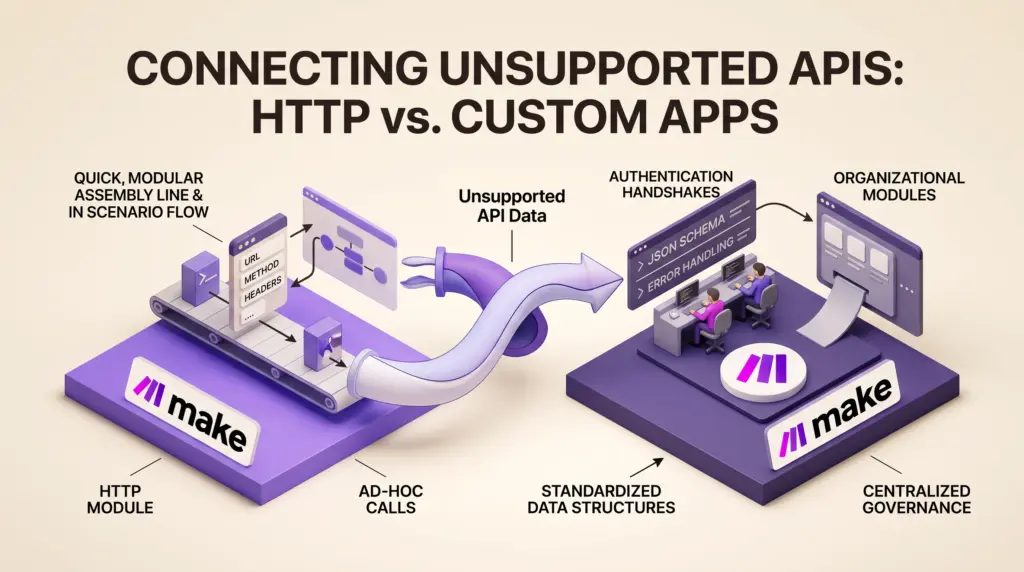
The HTTP module acts as Make’s universal API client. It allows users to issue raw requests (GET, POST, PUT, PATCH, DELETE) to any publicly accessible or authenticated endpoint directly on the scenario canvas.
Key Operational Strengths
- Rapid deployment: Setting up an HTTP module requires only the target endpoint URL, method, headers, and request body. Users can test an endpoint in seconds without leaving the scenario editor.
- No developer workspace required: Everything is configured inline within a single module bubble, making it accessible to users who do not want to manage separate code repositories or JSON schema definitions.
- Granular dynamic payloads: You can dynamically assemble query strings, custom headers, and nested JSON payloads using Make’s visual variable mapper, conditional operators, and built-in functions.
- Flexible persistence: Pairing the HTTP module with internal storage utilities—such as Make Data Stores—allows users to log API transaction IDs, manage idempotency keys, or cache session tokens locally between scenario executions.
Operational Weaknesses
The primary weakness of the HTTP module is fragmentation. If five different scenarios call the same private CRM endpoint, changes to that API’s authentication headers or schema require manually updating every individual HTTP module. Furthermore, OAuth2 token refreshes must either be engineered manually using chained scenarios or handled via generic OAuth connections, which adds friction for non-technical team members.
Make Custom Apps: Reusability and Team Governance
Make Custom Apps allow organizations to build their own first-class applications inside Make’s developer platform. Once published within an organization, a Custom App appears in the module search panel alongside commercial tools, complete with branded icons, pre-mapped input fields, standardized dropdowns, and dedicated triggers.
Key Architectural Strengths
- Centralized authentication: Custom Apps manage authentication at the connection level. You can define API Key, Basic Auth, OAuth2 Authorization Code, or custom token-refresh handshakes once. When team members build scenarios, they simply select an authorized connection from a dropdown without seeing or copying raw API secrets.
- Standardized data mapping: Custom Apps define input and output interfaces (MAPI and RPC definitions). Instead of forcing scenario builders to inspect raw API response objects, Custom Apps output cleanly labeled data bundles that plug directly into downstream steps.
- Enterprise maintenance: When an external vendor updates an endpoint URL or deprecates a parameter, updating the Custom App’s underlying definition updates all scenario instances automatically, preserving scenario continuity.
- Organizational sharing: According to Make’s platform specifications, custom apps can be shared with users across your organization, allowing technical leads to distribute pre-configured connectors to non-technical operators while maintaining access control via Make team roles and permissions.
Implementation Overhead
Building a Custom App requires understanding Make’s internal developer syntax, which relies on JSON-based communication blueprints, declarative request structures, and response sanitization. While it requires no external server hosting, creating even a simple read action requires defining base URLs, connection parameters, communication objects, and metadata schemas.
Feature and Workflow Comparison
| Feature Dimension | HTTP Module | Make Custom Apps |
|---|---|---|
| Initial Setup Time | Minutes (instant configuration) | Hours to days (blueprint design) |
| Technical Complexity | Low to moderate (basic REST concepts) | Moderate to high (JSON schema, auth flows) |
| Authentication Handling | Static headers or manual token loops | Native, centralized OAuth2 / API Key connections |
| Cross-Scenario Reusability | Poor (manual copy-paste across scenarios) | High (shared modular catalog) |
| Team Usability | Exposes raw payloads to builders | Provides user-friendly form fields |
| Maintenance Scalability | Linear effort per scenario | Centralized; one edit updates all modules |
Technical Limitations and Architecture Constraints
Regardless of whether you choose the HTTP module or a Custom App, Make enforces strict execution and payload limits that impact unsupported REST API integrations:
- Scenario Execution Timeouts: A single scenario run has a maximum execution time of 5 minutes on the Free plan, scaling to 40 minutes on paid tiers according to Make’s plan documentation. Long-running asynchronous REST jobs must be designed using polling loops or incoming webhooks rather than blocking synchronous requests.
- Payload File Limits: Make restricts individual file and data sizes processed within automations, ranging from 5 MB on the Free tier up to 1,000 MB on Make Enterprise plans. Large REST payloads that stream video or bulk database dumps must be segmented or passed by URL reference rather than inline bodies.
- Custom Code Execution: When unsupported APIs return proprietary data structures that native Make functions cannot transform, users can leverage the Make Code App to run custom JavaScript or Python. However, Make bills this at 2 credits per second of code execution time on top of standard scenario operations.
- Rate Limits and Webhook Handling: Make’s own API limits programmatic calls between 60 to 1,000 requests per minute depending on subscription tier. If your unsupported API relies on heavy bidirectional polling rather than instant webhooks, operations can quickly consume your monthly credit allocation.
Who Each Option Suits Best
The HTTP Module Suits:
- Freelancers and solo builders: When you need to quickly post a webhook to a client’s private database or retrieve data from an obscure utility without maintaining long-term software assets.
- Proof-of-concept testing: Validating API documentation, verifying auth signatures, and prototyping data mappings before investing time into formal application development.
- Single-scenario operations: Endpoints that will only ever be queried once in an entire organization’s workflow stack.
Make Custom Apps Suit:
- Digital agencies and consultancies: Teams that deploy identical API configurations across multiple client sub-accounts or internal workspaces, where packaging proprietary IP into reusable modules adds operational efficiency.
- Growing multi-user teams: Organizations where technical leads manage sensitive production credentials while junior operations staff build or monitor business logic.
- Complex OAuth2 workflows: Services requiring dynamic token management, refresh intervals, or specific scope negotiations that prove cumbersome to build manually in scenario logic.
Next Steps for Connecting Your Custom API
To determine the correct path for your project, start by auditing your API’s authentication mechanism. If the target service uses static Bearer tokens or basic API keys, use an HTTP module to run a test request and inspect the response structure. Evaluate whether this endpoint will be used in more than three scenarios.
If the API demands OAuth2 authorization code handshakes, or if multiple non-technical team members must interact with the endpoints regularly, open the Make Partner/Developer portal to initiate a Custom App draft. Define your base connection parameters first, test the authentication flow, and progressively build individual action modules as project demands require.
Sources and further reading
Research checked 2026-10-12. Product details can change.