

At a glance
GetResponse webinars suit course creators, coaches, and boutique agencies seeking an all-in-one suite that connects live presentations directly to landing pages, payment gateways, and email sequences without third-party integrations. However, teams needing more than 100 live attendees must look beyond entry tiers to custom plans.
In this guide
How GetResponse Integrates Webinars with Conversion Funnels
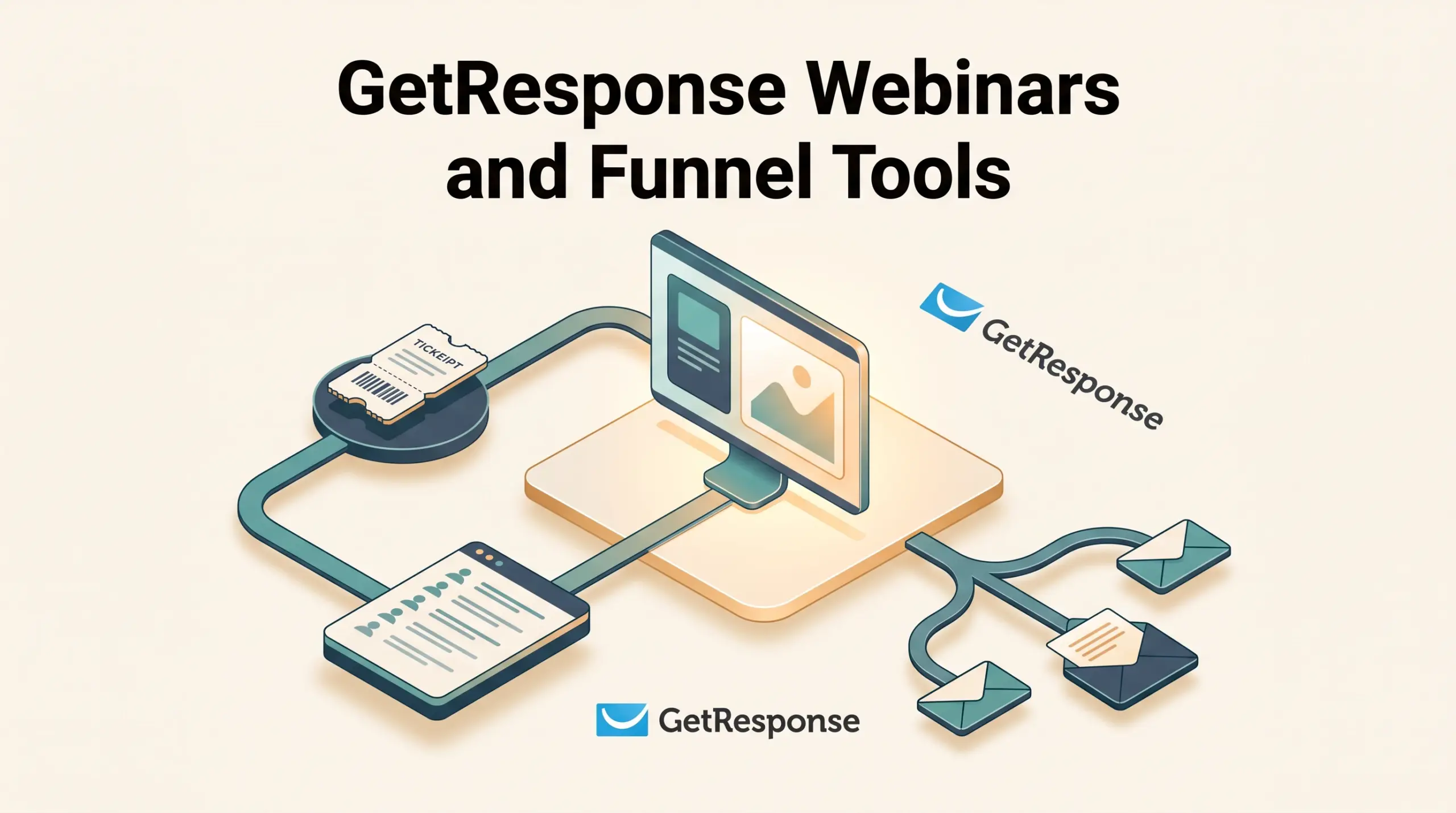
Hosting live events usually requires stitching together third-party video conferencing, an external form builder, and an email marketing platform. In GetResponse, the webinar room functions inside the core ecosystem, tying directly into the platform’s sales funnels and conversion automation.
Using GetResponse conversion funnels, teams can build a coordinated series of assets from a single visual dashboard:
- Registration Pages: Pre-built landing pages with customizable opt-in forms and countdown timers collect registrant details, which immediately route into designated contact lists.
- Confirmation Pages: Thank-you screens display calendar invites, room access links, and event logistics.
- Live Room Interface: Browser-based sessions support HD streaming, up to 3 active presenters simultaneously, screen sharing, and interactive breakout rooms.
- On-Demand Replays: Automated hosting of event recordings lets prospective buyers access sessions asynchronously through gated lead funnels.
Because everything lives in one database, audience behavior inside the registration funnel updates contact records automatically, eliminating the webhooks or synchronization delays typical of multi-app setups.
Setting Up Paid Webinars and Ticketing
Monetizing workshops, cohorts, or specialized masterclasses requires a frictionless checkout experience. GetResponse supports paid webinars by combining its landing page checkout steps with native payment processing via Stripe and PayPal integrations.
When configuring a paid webinar funnel:
- Payment Gateway Connection: Link an existing PayPal or Stripe merchant account inside the platform’s Stores and Products settings.
- Order Flow: Registrants select their session, enter billing details via secure embedded checkout forms, and automatically trigger order confirmation automation.
- Zero Platform Surcharges: GetResponse advertises a 0% transaction fee model on sales, leaving creators responsible only for standard processor fees charged by Stripe or PayPal.
- Access Control: Successful payment immediately unlocks event credentials and routes the customer to the live room URL, restricting entry to ticket buyers.
For solopreneurs and educators exploring monetization, the GetResponse Creator plan includes these ticketing capabilities alongside built-in course hosting and premium newsletter paywalls.
Post-Event Follow-Up and Marketing Automation
The primary marketing value of native webinars is behavioral segmentation. Because event attendance logs directly into the contact record, marketing teams can trigger multi-branch follow-ups based on specific actions.
With visual workflow builders, teams can segment lists into distinct follow-up tracks:
- Registered but Did Not Attend: Automatically send a follow-up email featuring a link to the recorded session or invite them to register for an upcoming date.
- Attended the Entire Session: Deliver dynamic sales emails with promo codes or limited-time offers linked to the presentation pitch.
- Left Early: Send a recap sequence highlighting key takeaways and product links they missed during the live demonstration.
- Tagging and Scoring: Automatically increment engagement scores or attach custom tags based on event participation to guide future outbound campaigns.
While the Starter tier limits users to 1 custom automation workflow, plans supporting webinars include unlimited automation workflows, allowing complex if/then split branching and dynamic segment filters.
Plan Limits, Pricing, and Capacity Trade-Offs
Webinar functionality is excluded from low-tier packages like the Starter plan ($19 monthly or $15.58 monthly on a 12-month commitment) and the Marketer plan ($59 monthly or $48.38 monthly on a 12-month commitment). To access native webinar hosting, organizations must subscribe to Creator or Enterprise tiers, where room capacities and recording archives vary significantly.
Below is how webinar and funnel specifications compare across available tiers according to GetResponse pricing:
| Feature / Limit | Marketer | Creator | Enterprise |
|---|---|---|---|
| Starting Monthly Price (Monthly Billing) | $59 / mo | $69 / mo | Custom quote |
| Starting Monthly Price (12-Month Plan) | $48.38 / mo | $56.58 / mo | Custom quote |
| Live Webinar Capabilities | None | Included | Included |
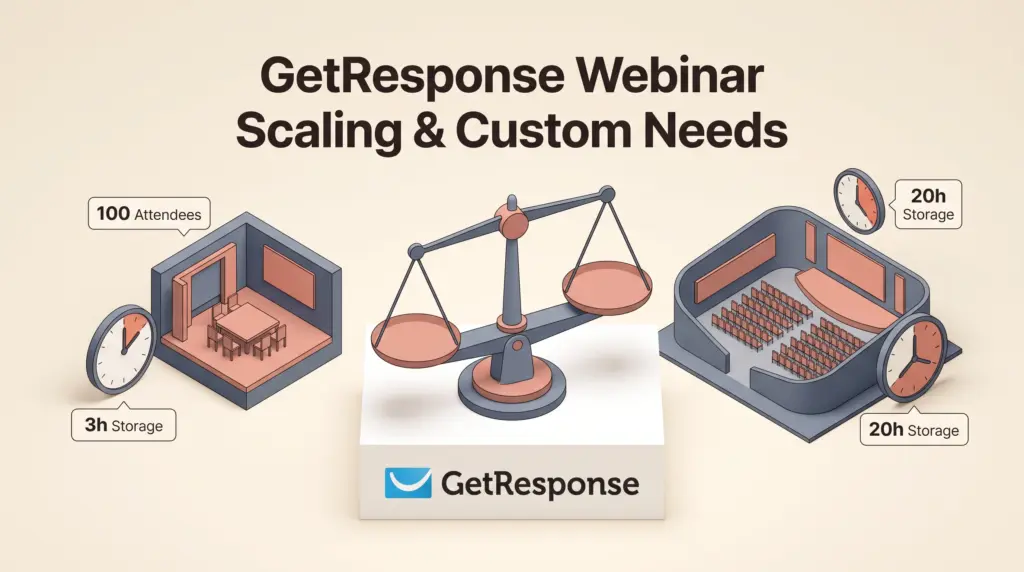
| Live Attendee Capacity | 0 | 100 attendees | 1,000 attendees |
| Simultaneous Presenters | 0 | Up to 3 | Up to 3 |
| Recording Storage | None | 3 hours | 20 hours |
| Webinar Sales Funnels | Lead / Sales funnels only | Included | Included |
| Seats / Team Users | 5 | 5 | Unlimited |
Organizations evaluating broad platform costs can review our comprehensive analysis of GetResponse pricing and contact tiers, as overall pricing scales with both feature tiers and subscriber list sizes.
Key Limitations to Consider
While native integration offers convenience, teams with complex virtual event requirements should evaluate these structural constraints:
- Strict 100-Attendee Cap on Creator: The Creator tier caps live sessions at 100 participants. If your registration campaigns generate high attendance, upgrading past 100 seats requires negotiating custom Enterprise pricing.
- Limited Cloud Recording Storage: Creator accounts receive only 3 hours of recording storage. High-frequency broadcasters must routinely export and purge recordings to make room for new sessions.
- Trial Account Caps: During the 14-day free trial, webinar testing is strictly limited to 10 total participants, including presenters, making live pilot tests difficult without upgrading.
- No Standalone Add-On: Webinar rooms cannot be purchased as a modular add-on for Starter or Marketer plans; users must fully upgrade to Creator or Enterprise.
Who Each Setup Suits
- GetResponse Creator Suits: Independent educators, coaches, and micro-consultancies running intimate group training, workshops, or paid masterclasses where live attendance stays under 100 people.
- GetResponse Enterprise Suits: Established marketing departments and large agencies needing 1,000 live attendee limits, 20 hours of recording archives, single sign-on (SSO), and dedicated IPs for high-volume list communication, as detailed in our GetResponse Enterprise overview.
- External Meeting Software (e.g., Zoom) Suits: Organizations running large-scale free summits, company-wide broadcasts, or teams with existing long-term video conferencing subscriptions that only need basic landing pages.
Next Steps
If you plan to use GetResponse for webinars, begin by estimating your typical live attendance numbers. If your audience exceeds 100 concurrent participants, book an Enterprise demo to evaluate custom quotes before building landing pages.
For audiences under 100, sign up for the 14-day trial to test the visual funnel builder and browser-based room interface. Connect Stripe or PayPal inside the platform settings early to confirm that payment capture, automated ticketing, and follow-up tagging trigger reliably before launching your campaign.
Sources and further reading
Research checked 2026-10-08. Product details can change.