

At a glance
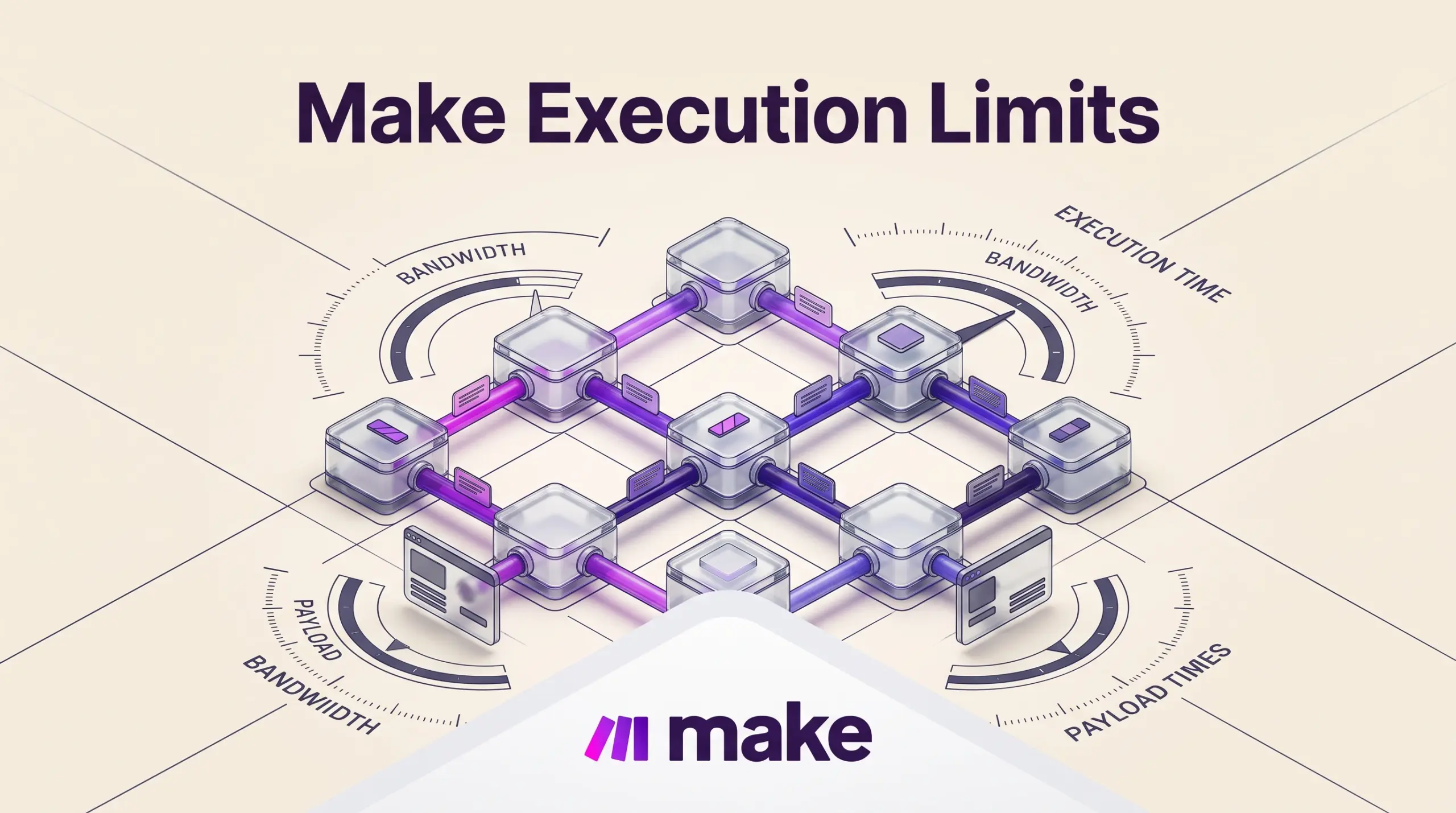
Make has separate limits for credits, execution time, file size and data transfer. On paid plans, the published transfer allowance is 5 GB per 10,000 monthly credits. Identify which limit you are hitting before upgrading: more credits do not automatically remove a per-file or execution-time cap.
A scenario can have credits remaining and still stop because a file is too large or a run takes too long. This guide separates those limits so you can choose a practical fix. Start with the Make plan and credit overview if you need to compare subscription costs.
In this guide
How Make Structures Data Transfer and Credits
Make distinguishes between the number of actions executed and the volume of payload data passing through scenario modules. While basic API triggers consume standard credits, heavy payloads are governed by proportional data transfer caps and specific compute multipliers.
- Data Transfer Ratio: On paid plans, data transfer is allocated at 5 GB of data transfers per 10,000 monthly credits. The Free tier provides a fixed 512 MB threshold. If your scenarios transfer large JSON bodies, uncompressed CSV exports, or raw documents between endpoints, bandwidth consumption advances alongside credit consumption.
- Make Code App Consumption: Running inline custom Python or JavaScript logic inside a scenario bypasses external serverless setups, but it incurs a specific compute cost: 2 credits per 1 second of code execution time. Heavy algorithmic looping or complex data extraction will rapidly draw down credit reserves compared to standard no-code mapping modules.
- Annual credit flexibility: Check the selected tier rather than assuming all annual plans pool credits. The current grid excludes Free and Core. Overage protection is listed under Enterprise.
Documented Execution Limits Across Subscription Tiers
Scenario execution parameters scale across Make’s tiers (Free, Core, Pro, Teams, and Enterprise). For teams comparing cloud platforms against self-managed engines—as outlined in our analysis of Make vs n8n—these hard limits dictate whether an architecture can handle production data loads.
| Plan Level | Max Active Scenarios | Min Scheduling Interval | Max Execution Time | Max File Size | Make API Call Limit | Log Retention |
|---|---|---|---|---|---|---|
| Free | 2 | 15 minutes | 5 minutes | 5 MB | Not listed / Minimal | 7 days |
| Core | Unlimited | 1 minute | 40 minutes | 100 MB | 60 calls/min | 30 days |
| Pro | Unlimited | 1 minute | 40 minutes | 250 MB | 120 calls/min | 30 days |
| Teams | Unlimited | 1 minute | 40 minutes | 500 MB | 240 calls/min | 30 days |
| Enterprise | Unlimited | 1 minute | 40 minutes | 1,000 MB (1 GB) | 1,000 calls/min | 60 days |
All paid plans run on AWS infrastructure located in either Europe or North America, depending on account region selection.
Execution Timeouts and Queue Prioritization
A single scenario run on the Free tier is capped at 5 minutes. On all paid plans (Core through Enterprise), the maximum scenario execution time expands to 40 minutes. If an external service delays its response or an iterator processes thousands of items in a single sequential execution, the scenario terminates when the 40-minute ceiling is reached.
To handle high-volume processing without triggering run-time ceilings, Make incorporates specific execution controls:
- Parallel Scenario Execution: Paid tiers support processing multiple items simultaneously rather than forcing sequential single-thread iterations.
- Priority Scenario Execution: The Teams plan receives standard priority execution, while Enterprise accounts receive high-priority execution during peak usage windows to prevent scenario queue backlog.
- Subscenarios: Workflows can chain modular scenarios together, breaking large monolithic data runs into compartmentalized sub-processes that execute within their own respective time limits.
File Size Ceilings and Payload Management
One of the most frequent points of workflow failure is attempting to route binary files directly through Make’s visual canvas. The platform strictly enforces file handling ceilings per file: 5 MB on Free, 100 MB on Core, 250 MB on Pro, 500 MB on Teams, and 1,000 MB on Enterprise.
If your workflow ingests video recordings, uncompressed image archives, or multi-gigabyte database dumps, attempting to download and upload these files directly via Make will cause the module to fail immediately. In contrast to self-hosted orchestration environments—detailed in our guide to n8n cloud versus self-hosting—where hardware RAM dictates payload size, Make requires strict adherence to these platform limits.
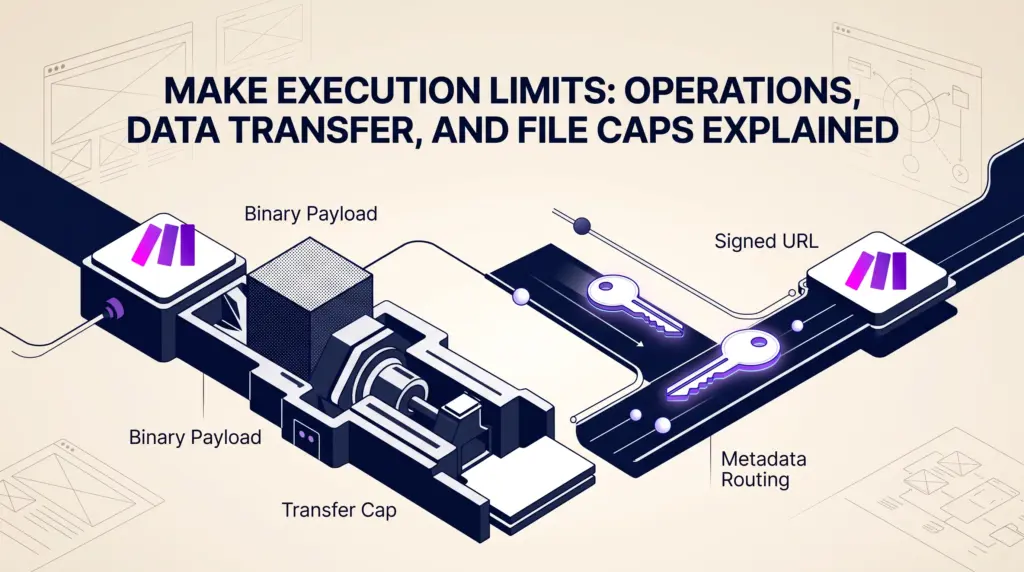
Teams handling media files should design scenarios to handle file metadata, pre-signed URLs, or cloud storage pointers (such as Amazon S3, Google Drive, or Dropbox direct download links) rather than passing raw binary streams across scenario modules.
API Rate Limits and Administrative Governance
Automating Make itself via its public REST API introduces platform throttling. Make exposes over 300 platform API endpoints, but access rates vary by subscription level according to the published Make pricing page:
- Core: 60 calls per minute
- Pro: 120 calls per minute
- Teams: 240 calls per minute
- Enterprise: 1,000 calls per minute
On the governance side, all plans include private workspaces for individual builders, while higher tiers add team roles, custom role definitions, and full-text execution log search. Log retention lasts 7 days on the Free tier, 30 days on Core, Pro, and Teams, and 60 days on Enterprise. Teams subject to compliance or auditing requirements must export execution metadata before the log storage window closes.
Trade-offs and Limitations to Consider
Make provides substantial automation power, but technical trade-offs require careful planning:
- Bandwidth-to-Credit Coupling: Data transfer allowances scale proportionally (5 GB per 10,000 credits). Scenarios that move relatively few high-volume records can exhaust data allowances before using their monthly operations, requiring credit tier upgrades simply to secure bandwidth.
- Code Execution Overhead: While custom Python and JavaScript allow advanced data transformation, charging 2 credits per second can turn long-running data sanitization scripts into expensive bottlenecks.
- Strict 40-Minute Ceiling: Even on Enterprise subscriptions, a single scenario cannot run longer than 40 minutes. Batch jobs that crawl slow external APIs must be split into paginated webhook triggers or iterative subscenarios.
- No Direct Binary Streaming Above 1 GB: Teams processing large creative assets or massive archives must use external storage engines and pass webhooks or signed URLs, as the absolute maximum platform file limit is 1,000 MB.
Who Each Tier Suits Best
- Free: Best for individual hobbyists learning visual automation. The 2-scenario limit, 15-minute polling interval, 5 MB file size cap, and 512 MB transfer pool restrict it to lightweight text alerts and basic triggers.
- Core: Best for solo freelancers needing unlimited scenarios, 1-minute scheduling frequency, and 100 MB file limits. It handles standard business automations like CRM updates, invoice alerts, and form routing.
- Pro: Best for growing businesses running custom Python/JS code, requiring higher API rate limits (120 calls/minute), and dealing with 250 MB file thresholds for document and image processing.
- Teams: Best for small agencies and departmental teams requiring priority execution queuing, 500 MB file processing, 240 API calls/minute, and collaborative team permissions.
- Enterprise: Suited for organizations requiring 1 GB file processing, high-priority peak execution, 60-day log audits, dedicated single sign-on (SSO), and up to 1,000 API calls per minute.
Next Steps
Audit your expected scenario throughput by calculating both module operation counts and average payload sizes. If your automations handle attachments above 100 MB, start on the Pro or Teams tier to avoid payload rejections. When moving high-resolution media, configure modules to pass access links and download tokens rather than processing raw files directly through scenario steps.
Sources and further reading
Selected Make plan constraints corrected against the official pricing comparison on 29 October 2026. Other sections retain their earlier research date.
Research checked 2026-09-22. Product details can change.