

At a glance
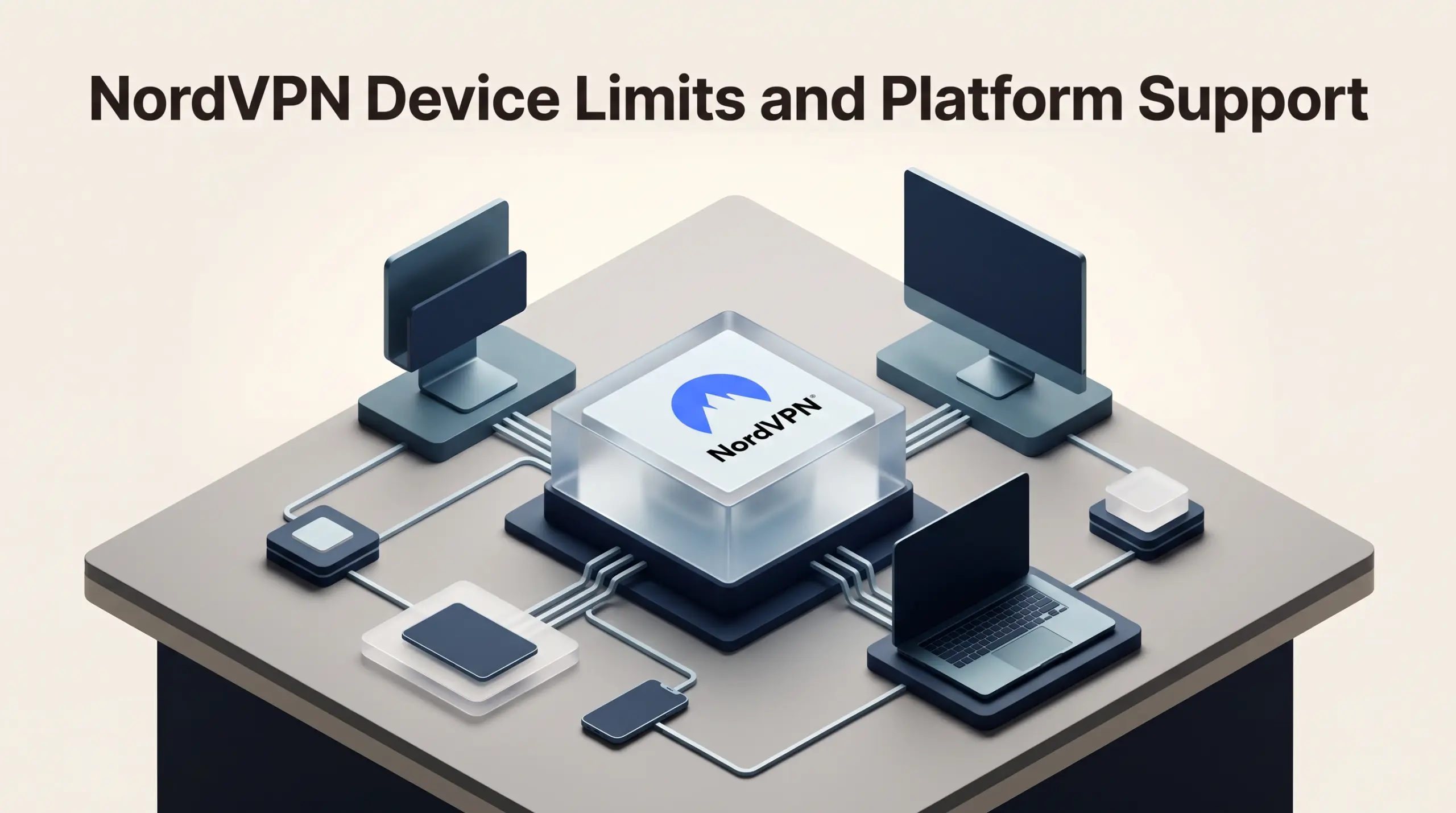
One NordVPN account supports up to ten devices connected at the same time. The limit counts simultaneous connections, not ten separate employee accounts. A compatible router running NordVPN uses one connection slot for the devices it protects. Check platform support and which devices will actually be connected together before choosing a setup.
In this guide
How to count the devices you actually need
Consider a hypothetical home-office setup: a laptop, phone and tablet connected directly use three of the ten slots. A compatible router with NordVPN configured uses one more slot, even when several supported devices use that router connection. The total in this example is four slots.
That is a planning example, not a measured speed or compatibility test. A device away from the protected router needs its own VPN connection. Check your router model and the provider’s official connection guidance before relying on that arrangement.
Understanding the 10-Device Limit: Connections vs. User Seats
When reviewing consumer VPN offerings, device ceilings represent one of the most misunderstood specifications. According to official provider documentation on the NordVPN pricing page, every standard subscription tier allows up to 10 simultaneous device connections on a single account. For a freelancer operating a workstation, a laptop, a tablet, a smartphone, and a dedicated testing terminal, a 10-device ceiling offers ample headroom.
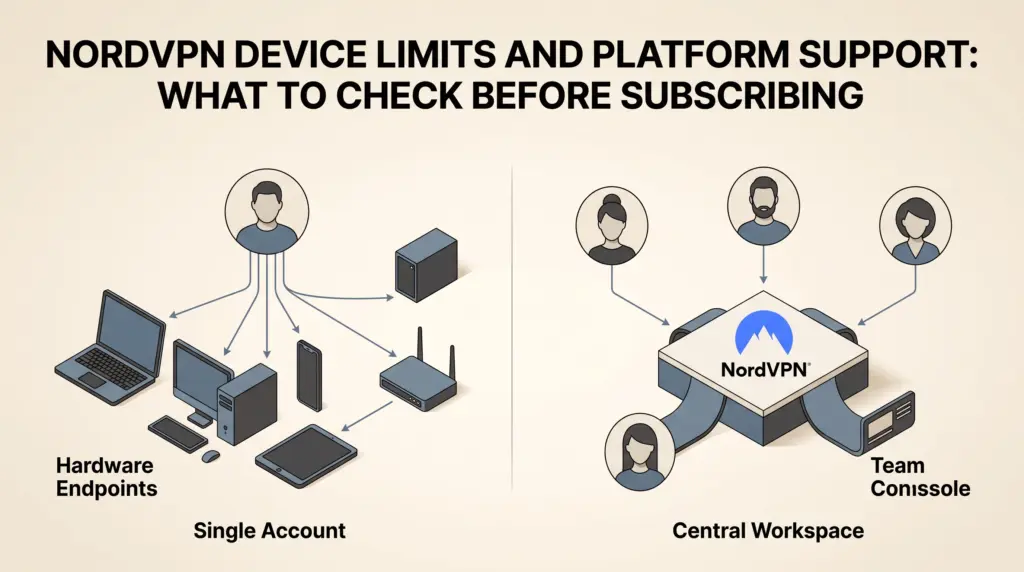
However, this 10-device allowance represents active concurrent network tunnels, not independent user accounts. A solo user can install and sign in to the application across multiple operating systems, maintaining up to 10 active encrypted sessions at any given moment. For small teams, treating this allowance as a pooled license pool introduces immediate administrative friction. All devices share the same primary master login credentials and multi-factor authentication requirements. If one team member disconnects or resets an account, it affects the shared environment. Furthermore, consumer accounts lack administrative controls, user provisioning, audit logging, and centralized permission tiers. Teams needing independent user accounts are directed toward business solutions such as NordLayer, while solo professionals can leverage the full 10-endpoint allowance across their personal hardware stack.
Operating System and Platform Support
NordVPN maintains native software support across mainstream operating systems and environments, as detailed in the NordVPN features overview. Before purchasing, buyers should verify whether their exact operating systems and deployment methods receive fully supported client applications:
- Desktop Operating Systems: Native installable software is available for Windows, macOS, and Linux distributions.
- Mobile Operating Systems: Dedicated client applications are published for Android and iOS devices.
- Browser Proxy Extensions: Lightweight extensions are maintained for Google Chrome, Mozilla Firefox, and Microsoft Edge, enabling browser-specific proxy encryption without tunneling system-wide network traffic.
- Router Deployments: Manual configurations are supported on compatible VPN routers, allowing network administrators to protect an entire local network at the gateway level.
- Private Networking: NordVPN includes Meshnet, an encrypted networking feature designed to link remote devices directly for file sharing and local traffic routing.
For independent contractors who alternate between an office desktop, an on-the-go tablet, and secondary testing environments, broad platform coverage ensures that typical personal workstations remain protected. For a broader analysis of contract durations and tier structures, review our breakdown of NordVPN plans, introductory pricing, and renewals.
Platform-Specific Feature Discrepancies
Although the core encrypted VPN tunnel operates across desktop and mobile devices, several supplemental security features are constrained by operating system architecture. Buyers frequently subscribe expecting identical functionality across every screen, only to find that utility tools are tethered to specific platforms.
The following feature constraints should be checked before selecting a plan:
- Anti-Malware and Threat Protection: Downloaded file scanning, vulnerability checking, and anti-malware browsing defense are desktop-only features, accessible solely on desktop operating systems.
- Ad and Tracker Blocking: Advanced ad filtering and tracker blocking within the client are desktop-only utilities. Mobile devices rely primarily on DNS-level filtering rather than full local application inspection.
- Email Protection: Scanners that monitor embedded links in incoming messages within Gmail and Yahoo are restricted to desktop clients.
- Message Protection: Security tools designed to identify phishing patterns in text messages are supported on Android devices, with iOS support listed as upcoming by the vendor.
- Call Protection: Scam and spam caller identification displays are targeted exclusively to mobile devices.
Freelancers who do the bulk of their confidential client work on mobile devices must note that desktop operating systems receive the most comprehensive feature footprint, particularly regarding downloadable file protection and browser tracking blockers.
Managing Router Installations to Conserve Limits
For small home offices or solo agencies hosting multiple peripheral devices, such as network-attached storage, smart televisions, and secondary laptops, individual client installations can consume the 10-device limit quickly. Installing NordVPN directly onto a compatible router provides a practical architectural workaround.
When configured at the router level, the router itself consumes only a single connection from the 10-device limit. Every workstation, mobile device, or smart gadget connected to that local Wi-Fi or Ethernet network automatically benefits from the router’s encrypted tunnel without requiring separate application logins or consuming additional seats. This setup leaves nine simultaneous connections available for mobile phones and laptops operating outside the local office network on public Wi-Fi.
Plan Matrix and Feature Comparison
Device limits remain identical across all tiers, but supplemental utilities vary significantly depending on whether users choose the Basic, Complete, or Prime subscription. The table below outlines how platform-dependent features and tools align with the introductory tiers available in the United States in USD.
| Feature / Specification | Basic Plan | Complete Plan | Prime Plan |
|---|---|---|---|
| Simultaneous Connections | 10 devices | 10 devices | 10 devices |
| Platform Availability | Windows, macOS, Linux, iOS, Android, Extensions | Windows, macOS, Linux, iOS, Android, Extensions | Windows, macOS, Linux, iOS, Android, Extensions |
| Threat Protection (Desktop Only) | DNS scam/phishing filtering only | Full antivirus file scanning & tracker blocking | Full antivirus file scanning & tracker blocking |
| Cloud Storage & Passwords | Not included | 1 TB encrypted storage & password manager | 1 TB encrypted storage & password manager |
| Identity & Credit Tools (US) | Dark Web Monitor (up to 5 emails) | Dark Web Monitor Pro & bank alerts | VantageScore 3.0, credit freeze, theft insurance |
| Introductory 2-Year Rate (USD) | $3.49/mo ($94.23 for first 27 mos) | $4.49/mo ($121.23 for first 27 mos) | $7.49/mo ($202.23 for first 27 mos) |
| Introductory 1-Year Rate (USD) | $5.49/mo ($65.88 for first 12 mos) | $6.49/mo ($77.88 for first 12 mos) | $9.49/mo ($113.88 for first 12 mos) |
Note: Introductory rates are based on published US dollar figures from the provider’s checkout terms. Sales tax may apply depending on jurisdiction, and subscriptions renew at standard rates unless canceled. Dedicated IP addresses are available separately as optional checkout add-ons across all tiers.
Limitations for Small Teams and Freelancers
While NordVPN offers substantial bandwidth and wide operating system compatibility, prospective buyers must weigh several functional limitations:
- No Multi-User Management: Consumer accounts cannot allocate independent seats or segment permissions. Sharing an account exposes credentials and multi-factor codes among team members.
- Mobile Feature Gaps: Users relying strictly on iPads or Android tablets do not receive the same deep anti-malware and file inspection tools present in the desktop software.
- Insurance Exclusions: The identity theft and cyber extortion coverage included with the Prime plan is underwritten through HSB Specialty Insurance Company for individuals; it does not protect against business operational liabilities or professional errors.
- Hardware Router Setup Complexity: Setting up a VPN router requires compatible firmware and manual configuration, which may exceed the technical scope of non-technical freelancers.
Who Each Setup Suits Best
Basic Plan
The Basic plan is best suited for cost-conscious freelancers who already use separate password managers and cloud backup services. It provides the full 10-device limit and core tunneling encryption across all desktop, mobile, and browser environments without unwanted software bloat.
Complete Plan
The Complete plan suits solo consultants who want a consolidated bundle including a cross-platform password manager, 1 TB of encrypted cloud storage, and desktop-grade antivirus scanning. It eliminates the need for separate standalone utility subscriptions for individual practitioners.
Prime Plan
The Prime plan is geared toward US-based professionals requiring personal credit tracking, bank transaction alerts, and individual cyber extortion insurance benefits alongside their VPN. Small businesses should not rely on this tier for commercial liability protection.
Next Steps Before Subscribing
Before completing a subscription, audit the hardware currently in use across your daily workflow. Count the number of active smartphones, laptops, and remote terminals requiring simultaneous protection. If your total hardware exceeds 10 devices, verify whether your home or office router supports manual client configuration to consolidate local connections.
Next, evaluate whether you require advanced threat protection on mobile devices or if standard desktop protection meets your security posture. Finally, review whether your operation requires centralized user provisioning. If you manage employees or contractors who need individual sign-ins, bypass consumer plans entirely and consult the provider’s dedicated business branch, NordLayer, to obtain true multi-seat management.
Sources and further reading
Connection limit and router-slot guidance checked against NordVPN support on 29 October 2026. The existing platform and plan sections retain their earlier research date.
Research checked 2026-09-24. Product details can change.