

At a glance
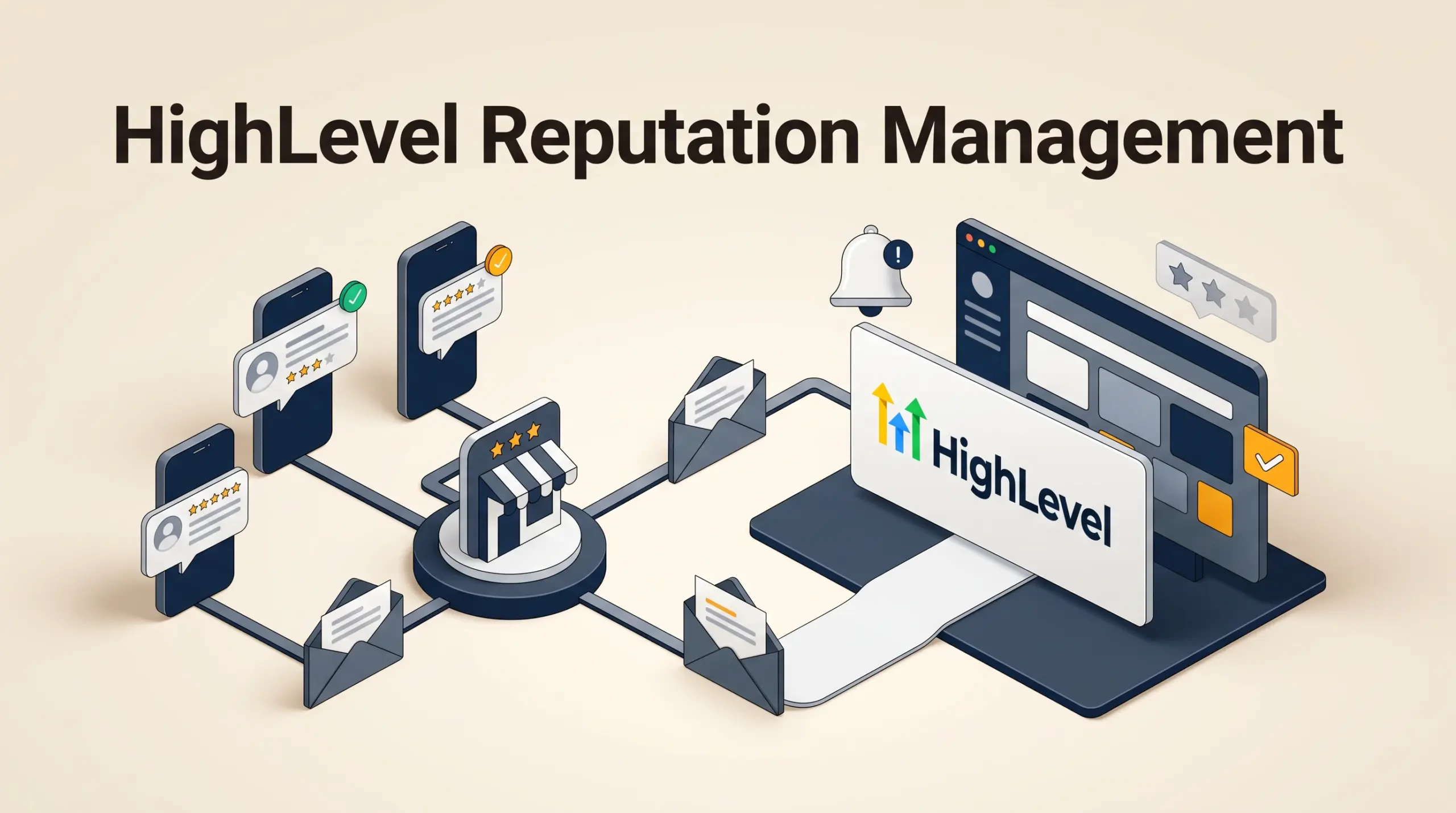
HighLevel reputation management collects and tracks online customer feedback by sending review requests manually or automatically via SMS and email. Connected directly to Google Business Profile and Facebook Pages, the system allows businesses to dispatch review links, monitor message delivery statuses, generate automated responses using Reviews AI, and embed public review widgets on websites.
In this guide
How Review Requests Are Triggered in HighLevel
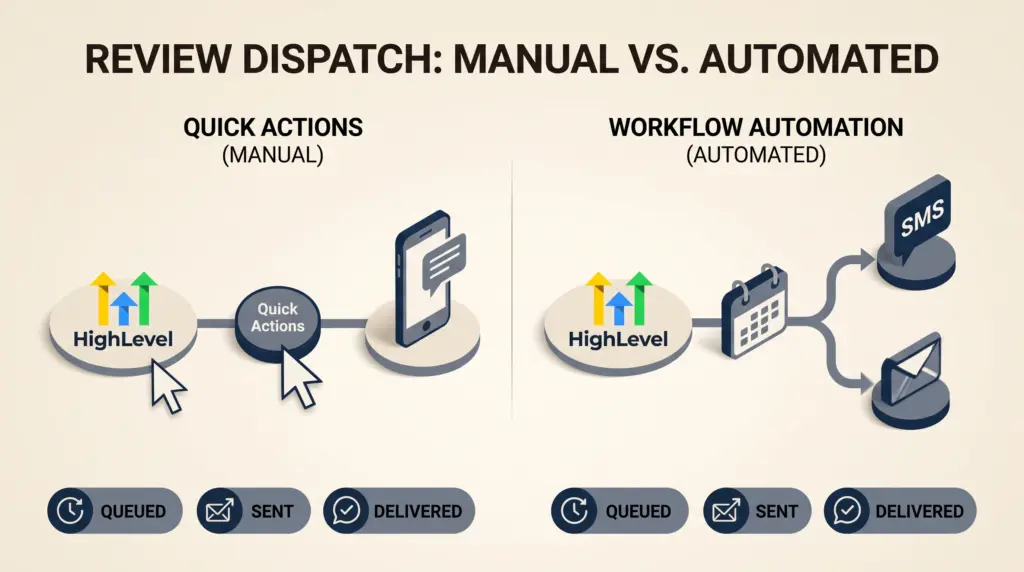
Collecting public customer reviews in HighLevel relies on three documented dispatch methods across the CRM interface:
- Quick Actions (Manual): Accessible from the top shortcut menu, allowing team members to quickly send a review request to a contact. When sent via Quick Actions, the message identifies the currently logged-in user as the sender.
- Workflow Automation (Automated): Located within HighLevel’s workflow builder using the dedicated “Send Review Request” action. This method dispatches review invitations automatically via SMS or email based on pipeline movements, appointment completions, or tag additions. When configured in a workflow, requests can be sent on behalf of the contact’s assigned user.
- Reputation Tab (Manual): Managed under the dedicated Reputation section in the sub-account navigation. Users can dispatch individual requests to specific contacts and review past request logs.
For teams planning event-driven follow-ups, combining this feature with broader logic is detailed in our guide to HighLevel workflow automation.
Core Setup and Platform Integrations
New sub-accounts on HighLevel can configure reputation features using the built-in Guided Review Setup Wizard located in the Reputation Management Overview. This onboarding tool displays six sequential setup tasks:
- Connect Google Business Profile or Facebook Pages: Authorizing Google or Facebook pulls incoming review data directly into the dashboard and establishes the primary review destination.
- Configure the Review Link: The system generates a dedicated review URL under sub-account settings, which can also be pointed to third-party review platforms if preferred.
- Send Initial Test Request: A guided prompt to verify SMS and email template deliverability to a designated contact.
- Configure Reviews AI: An optional toggle that generates automated public replies to customer feedback according to selected tone preferences.
- Generate Review Widgets: HighLevel generates embeddable HTML code for website display in carousel, grid, or list formats.
- Connect Additional Platforms: Allows connecting secondary platforms such as Yelp or TripAdvisor where regional account settings allow.
The setup wizard automatically hides once all setup tasks are completed and cannot be reopened, though every configuration screen remains accessible through sub-account settings.
Tracking Review Request Delivery Statuses
When requests are dispatched, HighLevel records message progress in the Reputation reporting dashboard under four distinct statuses:
| Status | System Meaning | Documented Provider Condition |
|---|---|---|
| Queued | Request created but not yet sent | Occurs when existing requests are processing or when templates are configured with delayed send timers (e.g., send after 24 hours). |
| Sent | Message dispatched from CRM | The email or SMS was transmitted to the external communication provider. |
| Delivered | Receipt confirmed by network | Confirmed for SMS via Twilio. Mailgun email integrations do not return a delivered status to this dashboard. |
| Failed | Transmission failed | Triggered by invalid recipient numbers, unsubscribes, or sender email mismatches on third-party SMTP configurations. |
To inspect responses or handle two-way messaging replies triggered by review links, teams can manage incoming replies through the HighLevel unified inbox.
Documented Limitations
- Wizard Re-entry: The Guided Review Setup Wizard disappears permanently after initial completion; existing sub-accounts must navigate settings manually.
- Email Delivery Reporting: Delivery confirmation indicators are limited by provider protocols; Mailgun does not report a “Delivered” status within the reputation dashboard.
- SMTP Identity Requirements: Manual email review requests sent through external SMTP services require the logged-in user’s profile email to match the authenticated SMTP address to prevent transmission failures.
- Dispute Resolution: HighLevel provides workflow links to initiate Google review dispute submissions, but removal decisions remain entirely subject to Google’s external content policies.
Who HighLevel Reputation Management Suits
- Local Service Businesses: Companies that complete appointments and want automated SMS prompts sent to clients immediately after service calls.
- Multi-Location Agencies: Teams managing several Google Business Profiles across sub-accounts who need standardized review request templates and embeddable website widgets.
- Solo Practitioners: Operators who want automated follow-ups without paying for a separate standalone reputation SaaS tool.
Decision Checklist and Next Steps
Before launching an automated review sequence, verify the following configuration requirements:
- Connect and verify your Google Business Profile under integrations to ensure direct review attribution.
- Ensure review requests are explicitly enabled in sub-account reputation settings.
- Audit SMS and email request copy to ensure compliance with communication consent regulations.
- For general plan pricing details and account limits across sub-accounts, see our overview of HighLevel pricing plans.
If you are evaluating the platform, you can start your 30-day free trial via Tool Outlook’s partner link. Payment details are required at signup, and standard subscription billing begins once the trial concludes unless cancelled beforehand; check eligibility and plan details at registration.
Sources and further reading
Research checked 2026-11-02. Product details can change.