

At a glance
NordVPN divides threat defense across its subscription tiers: entry plans provide DNS-level scam and phishing filtering while connected to a server, whereas Complete and Prime plans include desktop-only next-generation anti-malware, file scanning, and ad and tracker blocking. It acts as an integrated browser and download shield, not an endpoint management suite.
When selecting a VPN for everyday business browsing or freelance work, evaluating bundled security utilities helps avoid paying twice for overlapping tools. In NordVPN’s ecosystem, web filtering and endpoint security features vary significantly depending on whether you purchase an entry subscription or an upgraded bundle. To understand general subscription pricing, read our NordVPN plan and cost breakdown.
In this guide
How NordVPN Threat Protection Operates Across Plans
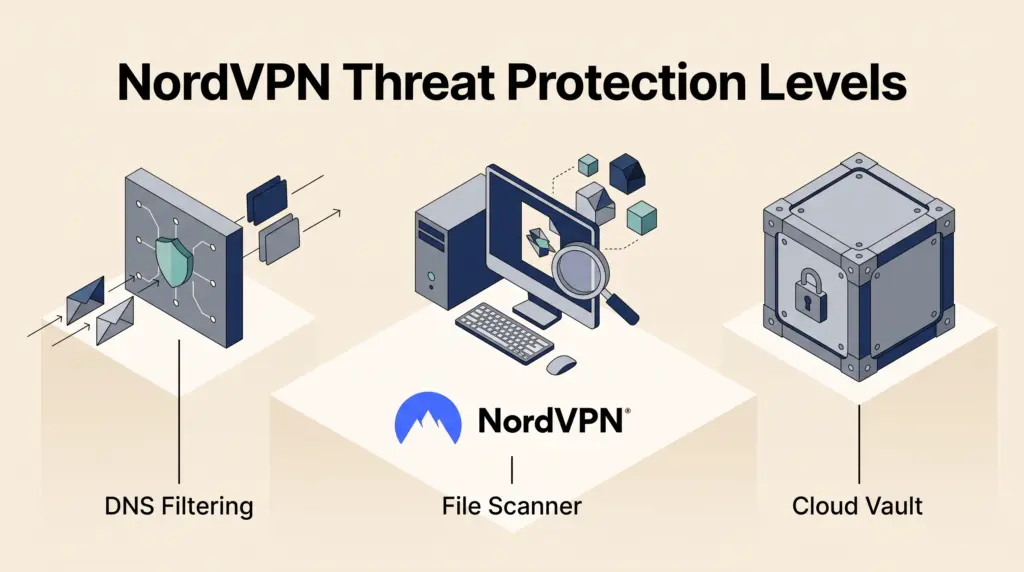
According to NordVPN’s documented pricing table, security capabilities are separated into basic network-level filtering and desktop-level anti-malware software:
- Scam and Phishing Protection (All Plans): Included on the Basic plan ($3.49 per month billed at $94.23 for the first 27 months on a 2-year term, or $4.99 per month billed at $74.85 for 15 months on a 1-year term). This filters web traffic via NordVPN’s DNS servers to intercept ads and malicious domains, functioning strictly while an active VPN connection is established.
- Anti-Malware and Browsing Protection (Complete and Prime): Included on Complete ($3.99 per month billed at $107.73 for 27 months, or $5.99 per month for 15 months) and Prime tiers ($6.99 per month billed at $188.73 for 27 months, or $8.99 per month for 15 months). Powered by next-gen antivirus, this layer inspects downloaded files for malware, removes infected files, and checks installed applications for vulnerabilities.
- Ad and Tracker Blocker (Complete and Prime): Blocks intrusive advertisements and prevents third-party tracking scripts from monitoring your browsing activity. This feature is restricted to desktop platforms.
- Unlimited Email Protection (Complete and Prime): Scans links embedded in open emails to alert users against phishing, malware, and rogue destinations. Documentation specifies support for Gmail and Yahoo on desktop only.
- Mobile Security Additions: On mobile devices, higher tiers provide Call Protection (identifying suspicious phone numbers) and Message Protection (detecting SMS scams, currently on Android with iOS planned).
Plan Comparison: Threat Protection Features
Here is how threat defense capabilities align across current subscription packages based on published provider specifications:
| Security Feature | Basic Tier | Complete Tier | Prime Tier |
|---|---|---|---|
| Scam & Phishing DNS Protection | Included (VPN active) | Included (VPN active) | Included (VPN active) |
| Anti-Malware & File Scanning | Not included | Included (Desktop only) | Included (Desktop only) |
| Ad & Tracker Blocker | Not included | Included (Desktop only) | Included (Desktop only) |
| Email Protection (Gmail/Yahoo) | Not included | Included (Desktop only) | Included (Desktop only) |
| Message & Call Protection | Not included | Included (Android/Mobile) | Included (Android/Mobile) |
| Cross-Platform Password Manager | Not included | Included | Included |
| 1 TB Encrypted Cloud Storage | Not included | Included | Included |
Documented Technical Limitations
While NordVPN consolidates multiple privacy layers into a single application, several documented limitations dictate how these tools function in practice:
- Platform Availability: File scanning, application vulnerability checks, ad and tracker blocking, and webmail scanning are documented as desktop only. They do not operate on mobile operating systems like iOS or Android in the same manner.
- VPN Connection Dependency for Basic DNS: On the Basic tier, scam and phishing domain filtering relies entirely on passing requests through NordVPN’s private DNS resolvers, meaning protection stops if your VPN connection drops or if split tunneling directs traffic outside the tunnel. For handling tunnel interruptions, review our guide on NordVPN Kill Switch and split tunneling.
- Webmail Scope: Email link protection specifically covers Gmail and Yahoo web interfaces on desktop browsers; desktop mail clients (such as Outlook or Apple Mail) or alternative providers are not listed as covered by this specific feature.
- No Enterprise Administrative Console: Threat settings apply locally to individual apps. Freelancers managing personal machines can toggle settings easily, but small teams cannot remotely enforce scanning policies or audit file detections across multiple user seats from a central console.
Decision Example: Basic vs. Complete for Freelancers
To evaluate whether upgrading from Basic to Complete is cost-effective, consider a solo digital contractor handling sensitive client deliverables:
- Scenario Assumptions: A freelance copywriter downloads dozens of client assets, PDFs, and application installers each week on Windows or macOS.
- Option A (Basic Plan): Pays $3.49/month (introductory 2-year billing). They receive encrypted browsing and DNS domain filtering while connected. However, downloaded files are not scanned, trackers are not blocked locally, and external anti-malware software must be acquired separately.
- Option B (Complete Plan): Pays $3.99/month (introductory 2-year billing). For an extra $0.50 per month ($13.50 total over the first 27-month commitment), the freelancer gains desktop file inspection, ad blocking, email link checking, plus NordPass password management and 1 TB cloud storage.
- Takeaway: If you work primarily on desktop machines and lack dedicated anti-malware or cloud backups, the marginal increase of the Complete tier provides meaningful endpoint file protection at low added cost. If you already maintain an endpoint detection system and only want VPN tunnel encryption, the Basic tier avoids feature redundancy.
Who Each Setup Suits
Choose the Basic Tier if:
- You already license standalone endpoint antivirus software on your work computers.
- You only need network encryption and malicious domain blocking when connected to public networks. (Learn more about using NordVPN for remote work).
- You prefer to minimize subscription costs and do not need bundled cloud storage or a password manager.
Choose the Complete or Prime Tier if:
- You want unified desktop download scanning and ad blocking without installing separate utilities.
- You frequently receive external files or review outreach emails in Gmail or Yahoo webmail.
- You plan to utilize the included 1 TB encrypted storage and password vault to consolidate your software stack.
Next Steps
Audit your current software stack before subscribing. If your operating system or existing antivirus already covers real-time file scanning and browser filtering, starting with the Basic plan keeps your setup lean. If you require integrated desktop file inspection and ad blocking across your allowed 10 simultaneous device connections, select the Complete tier during checkout. For setting up multi-device workflows, see our guide on NordVPN device limits and platform setup.
Sources and further reading
Research checked 2026-10-29. Product details can change.