
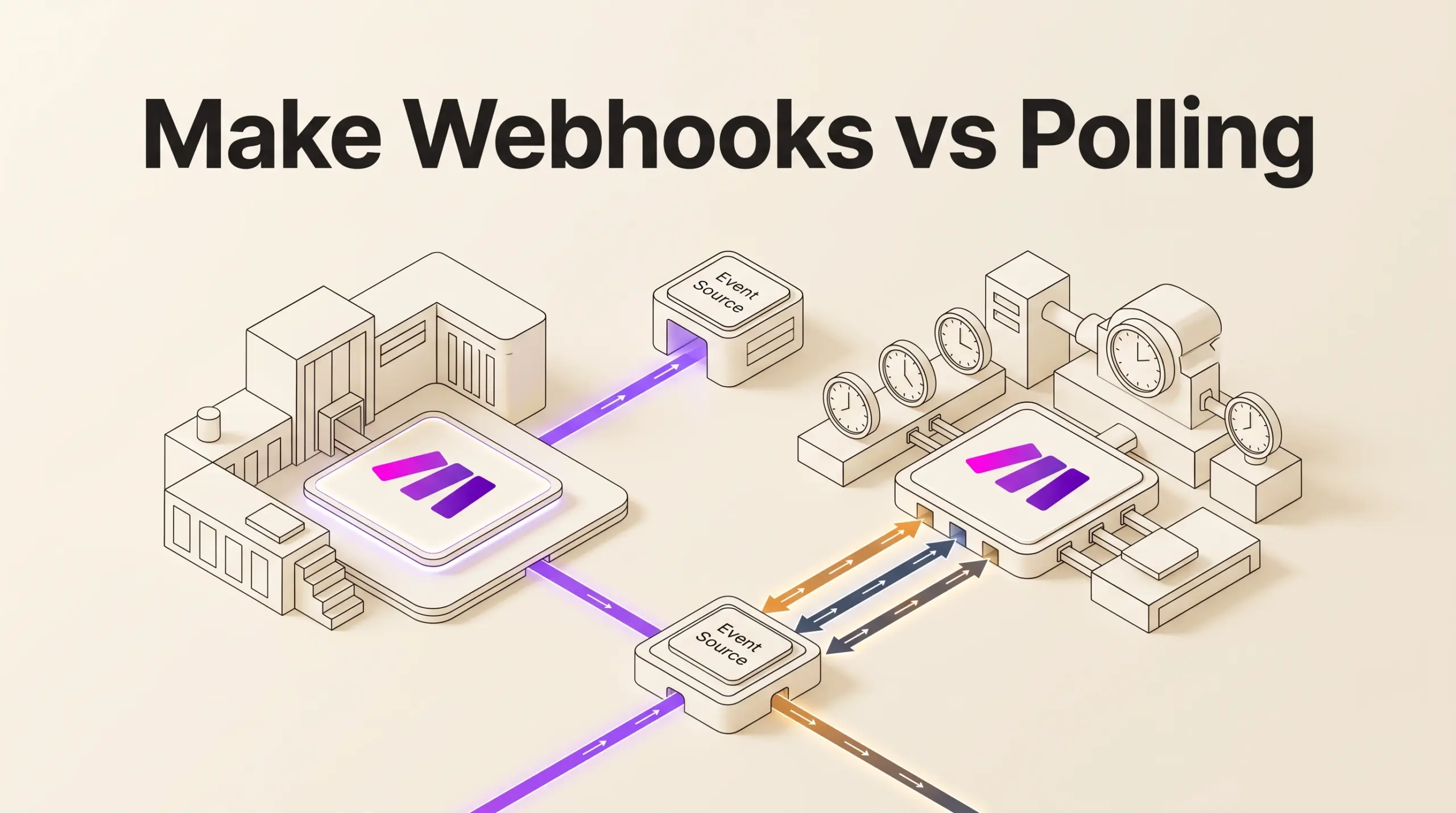

At a glance
Choose webhooks when an app supports instant triggers and you need scenarios to execute immediately after events happen. Choose polling when third-party services lack webhook output or when you prefer scheduled batch checks. Webhooks reduce wasted executions, but they require queue management and adhere to Make’s rate limit of 300 requests per 10 seconds.
Every scenario in Make starts with an initial trigger module. When you configure that first step, Make categorizes triggers into two primary mechanisms: event-driven webhooks (often badged as INSTANT) and scheduled polling triggers. Selecting the wrong method can cause delayed data processing, exhausted queue buffers, or unnecessary credit consumption.
In this guide
The Fundamental Difference: Push vs. Pull
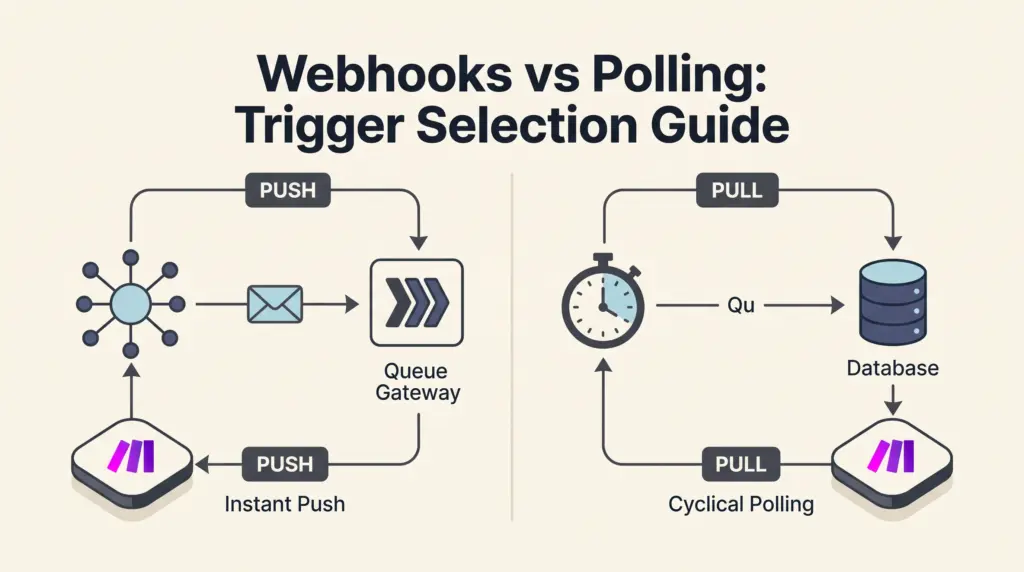
The difference between webhooks and polling lies in which system initiates the data transfer:
- Webhooks (Push): The source service sends an HTTP request directly to a Make URL immediately when an event occurs. Make receives the payload, places it in a dedicated webhook queue, and can trigger the scenario immediately.
- Polling (Pull): Make initiates contact with the external service at predetermined intervals (such as every 15 minutes or once a day). The scenario requests any records updated or created since the last execution.
Make offers two ways to receive webhooks: app-specific instant triggers that configure webhook connections automatically for supported apps, and custom webhooks created via Make’s Webhooks app, which generate a dedicated URL to receive arbitrary JSON or form payloads from external servers.
Trigger Comparison at a Glance
| Feature | Webhooks (Instant Triggers) | Polling (Scheduled Triggers) |
|---|---|---|
| Execution Timing | Immediate upon receiving payload (or batched via schedule) | Runs strictly on configured intervals |
| Make App Badge | Labeled INSTANT in module list |
Standard module icon (clock/calendar settings) |
| Idle Credit Consumption | Consumes 0 credits when no events happen | Consumes credits checking for data even if no records exist (unless optimized by native filters) |
| Inbound Rate Limits | Up to 300 requests per 10-second interval | Governed by third-party API request quotas |
| Queue Buffer | Up to 667 items per 10,000 monthly credits (capped at 10,000) | No webhook queue; records wait on source platform |
| Concurrency Options | Parallel processing (default) or “Process data in order” | Sequential cycle execution via maximum bundle limits |
Credit Consumption and Execution Behavior
Credit management is a key factor when building workflows. In Make, operations consume credits based on module activity, as detailed in our guide to Make pricing and credits.
Polling scenarios run on a recurring clock. If a scheduled trigger polls an external API every five minutes, it makes 288 polling checks every 24 hours. Depending on the app integration, checking an endpoint can consume credits on every run, regardless of whether new records are present.
Webhooks remain completely dormant until an event fires. When no activity occurs in your connected system, zero credits are consumed. However, high-volume webhook bursts require careful design. By default, instant webhooks execute in parallel, launching concurrent runs. If your scenario updates a central database or spreadsheet that cannot handle concurrent writes, you must enable Process data in order in the scenario settings so Make waits for the previous execution to finish.
Webhook Queues, Limits, and Data Retention
Make provides infrastructure to prevent data loss when webhook volume spikes or scenarios stop:
- Queue Capacity: For every 10,000 credits licensed per month on your plan, Make allocates 667 items in each webhook’s queue, up to a platform maximum of 10,000 items. If your queue hits capacity, incoming webhooks are rejected with an HTTP 400 error (“Queue is full”).
- Throughput Limits: Make handles up to 300 incoming webhook requests per 10-second window. Any traffic exceeding this rate returns an HTTP 429 (“Too many requests”).
- Log Retention: Standard webhook logs are retained for 3 days. On the Enterprise tier, Make keeps webhook logs for 30 days.
- Inactive Expiration: Make automatically deactivates webhooks that remain disconnected from any scenario for more than 5 days (120 hours), returning an HTTP 410 Gone status.
If your scenario exhausts its credit allocation, incoming webhooks do not immediately fail; they accumulate in your webhook queue up to your allowance limit and resume once credits are replenished.
Decision Checklist: Which Trigger Should You Use?
Use this actionable framework to select the appropriate trigger for a new scenario:
- Does the source app provide instant triggers? Look for the
INSTANTbadge in Make’s module list. If present, prefer the webhook trigger for real-time response. - Can the external tool send custom webhooks? If Make lacks an instant module but the tool supports outbound webhooks, configure Make’s Custom Webhook module to catch incoming payloads.
- Do you require sub-minute response times? Webhooks trigger immediately. Polling triggers are bound to your plan’s minimum scheduling intervals, as outlined in our overview of Make scenario execution limits.
- Is data volume intermittent? If updates occur unpredictably (such as customer support tickets or form submissions), webhooks avoid empty scheduled runs.
- Does the source system lack webhook capabilities? If an app only offers standard REST API endpoints (like an old ERP or internal CRM), polling is mandatory. You can use standard search modules or Make’s HTTP module, explored in our Make HTTP module guide.
Documented Limitations
While webhooks provide rapid execution, keep these technical constraints in mind:
- Queue Overflow Rejection: Make automatically rejects payloads once a webhook queue exceeds its calculated allowance (based on monthly credits). High-frequency workflows must be monitored to ensure the queue processes faster than it fills.
- Immediate Error Deactivation: When a scenario with a webhook runs set to “Immediately” and encounters an unhandled error, it halts immediately. Conversely, scheduled runs halt after 3 consecutive errors. Implement proper fallbacks using Make scenario error handling to keep instant webhooks active.
- Webhook Response Placement: If using the Webhook response module to return custom HTTP status codes to the calling server, placing it in the middle of a scenario prevents scenario deactivation if downstream modules fail, potentially consuming extra credits without triggering error notifications.
Sources and further reading
Research checked 2026-11-02. Product details can change.